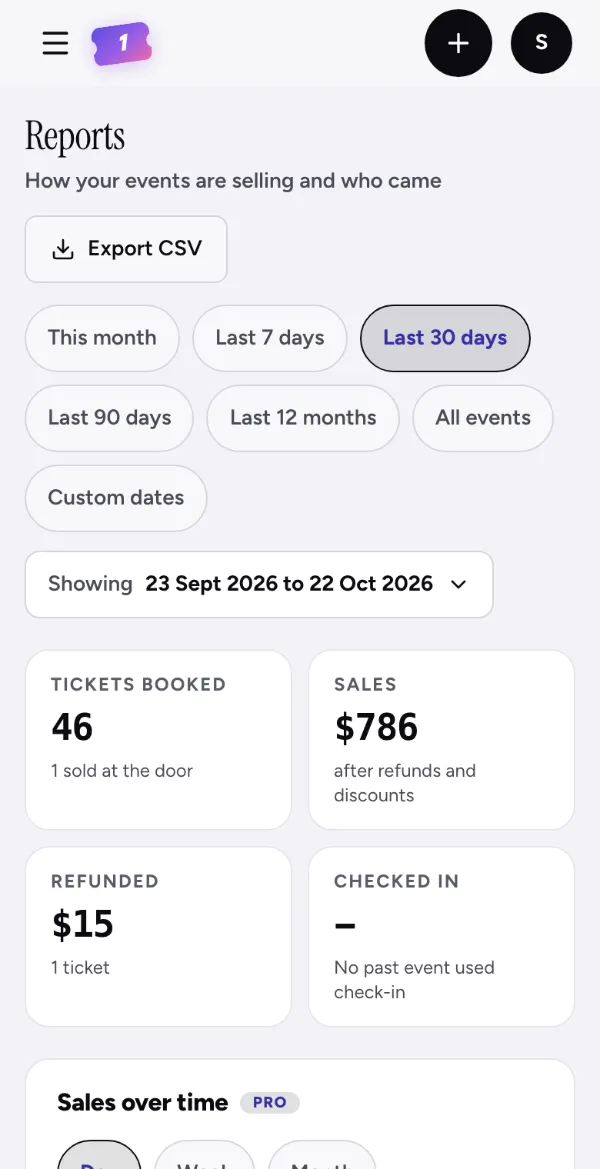
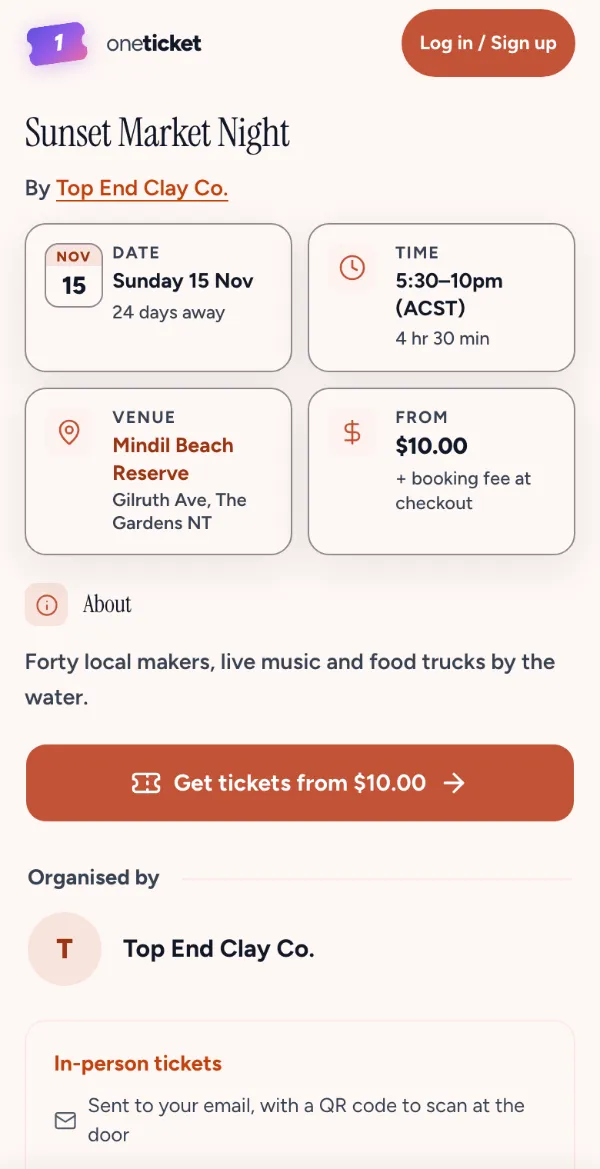
Step 1: Your numbers
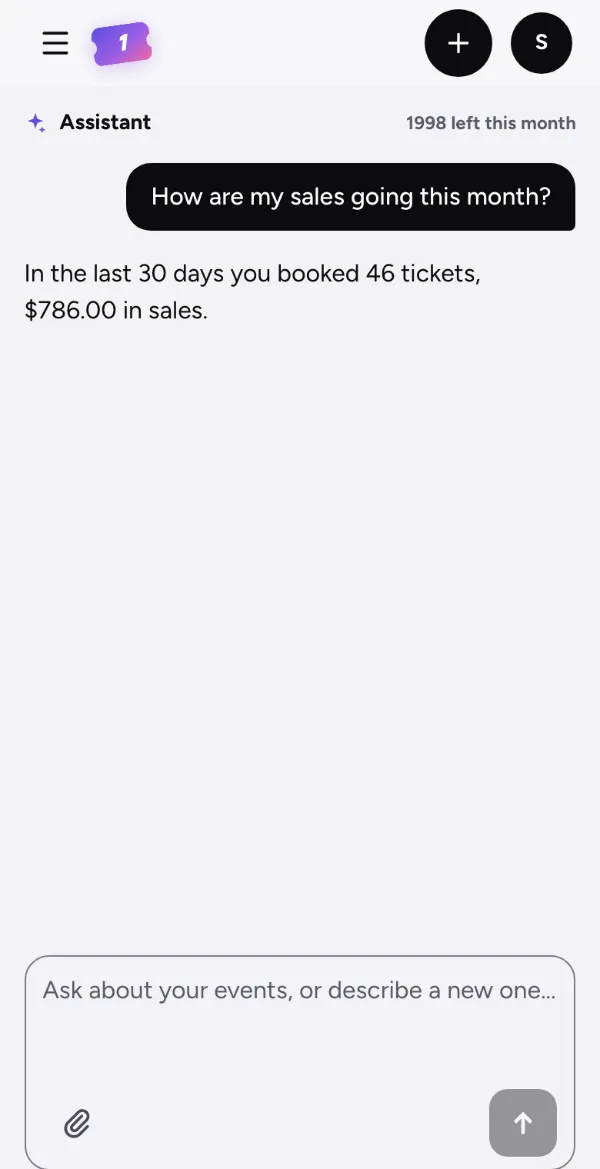
Ask how sales are going this month, or how an event is selling, and get the answer from your own figures.
Products · Assistant Every plan
How sales are going, an event drafted from a sentence, a description or a reply to a buyer. Nothing is saved until you say so.
50 messages a month on Free, 2,000 on Pro and 5,000 on Team. Pro and Team are open now: upgrade any time in Settings › Plan. Limited-time offer: A$1 for your first year (first 100 organisers), then A$29/month for Pro or A$79/month for Team. Cancel anytime.
Ask
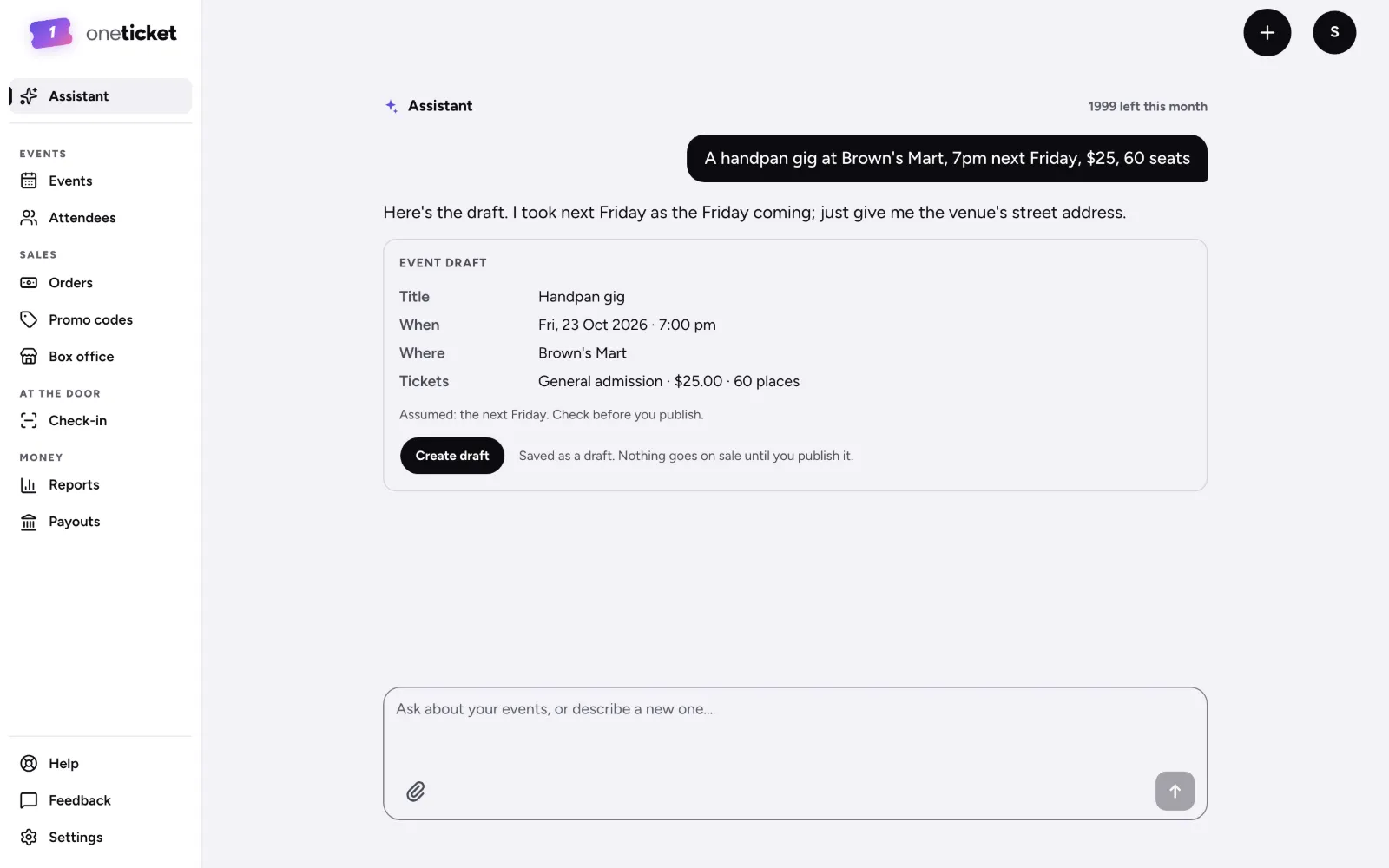
Type the night as you’d say it. The Assistant fills in the title, when, where and the tickets, and you check it before anything is saved.
For example: A handpan gig at Brown’s Mart, 7pm next Friday, $25, 60 seats
Assistant · example organiserHere’s the draft. I took next Friday as the Friday coming; just give me the venue’s street address.
50 messages a month on Free, 2,000 on Pro and 5,000 on Team.
What it does
Ask how sales are going this month, or how an event is selling, and get the answer from your own figures.
Describe it in a sentence and get the event drafted, ready for you to check and publish.
A description for your next event, or a reply to a buyer’s question, written for you to edit.
No. Nothing is saved until you say so. A drafted event is saved as a draft, and nothing goes on sale until you publish it.
50 messages a month on Free, 2,000 on Pro and 5,000 on Team. Pro and Team are open now: upgrade any time in Settings › Plan. Limited-time offer: A$1 for your first year (first 100 organisers), then A$29/month for Pro or A$79/month for Team. Cancel anytime.
In your organiser app, under Assistant.
50 messages a month on Free, 2,000 on Pro and 5,000 on Team.