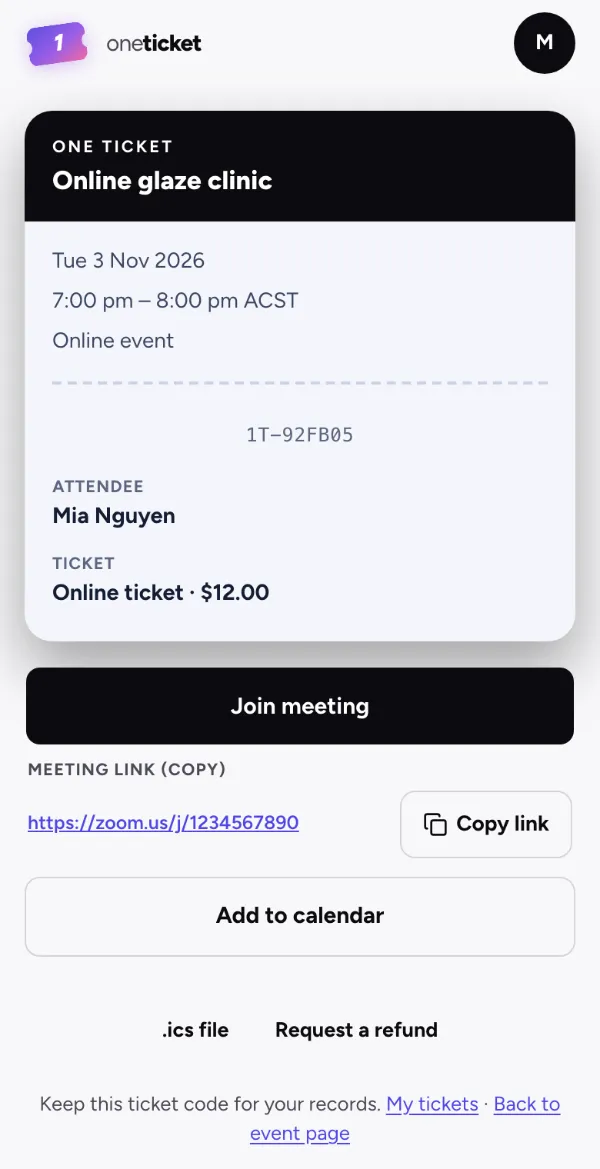
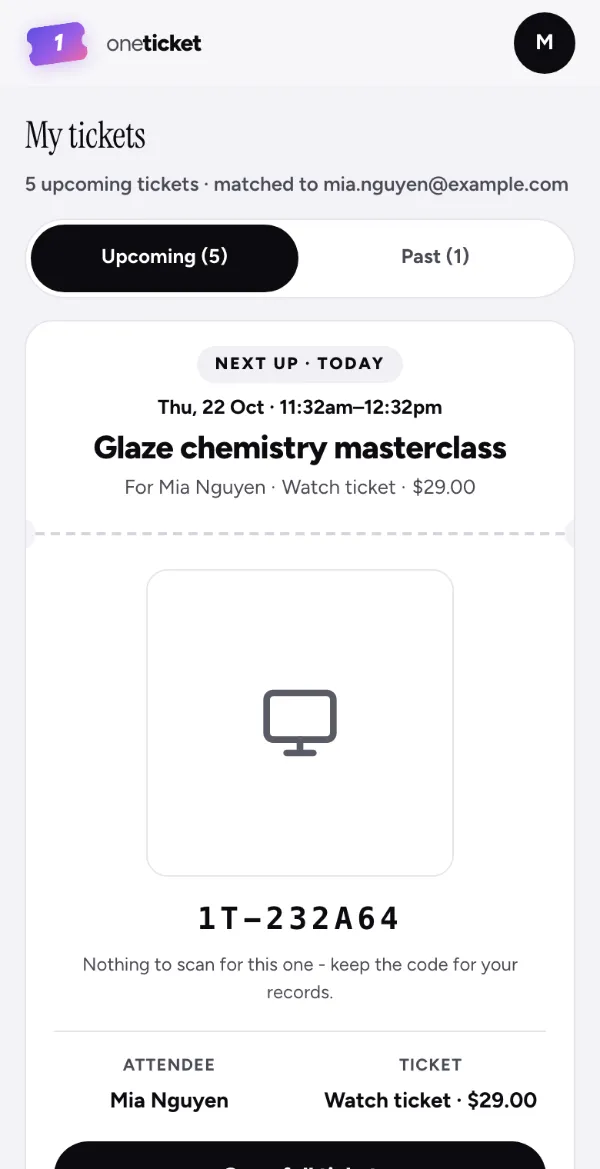
Step 1: Add the link
The recording on Vimeo, YouTube or another video site, and its password if it has one.
Products · Replays Pro and Team
Add the recording’s link once. Everyone with a ticket gets it by email and on their ticket, when you choose, for in-person and online events alike.
Replays are on Pro and Team, A$1 for your first year on a limited-time offer.
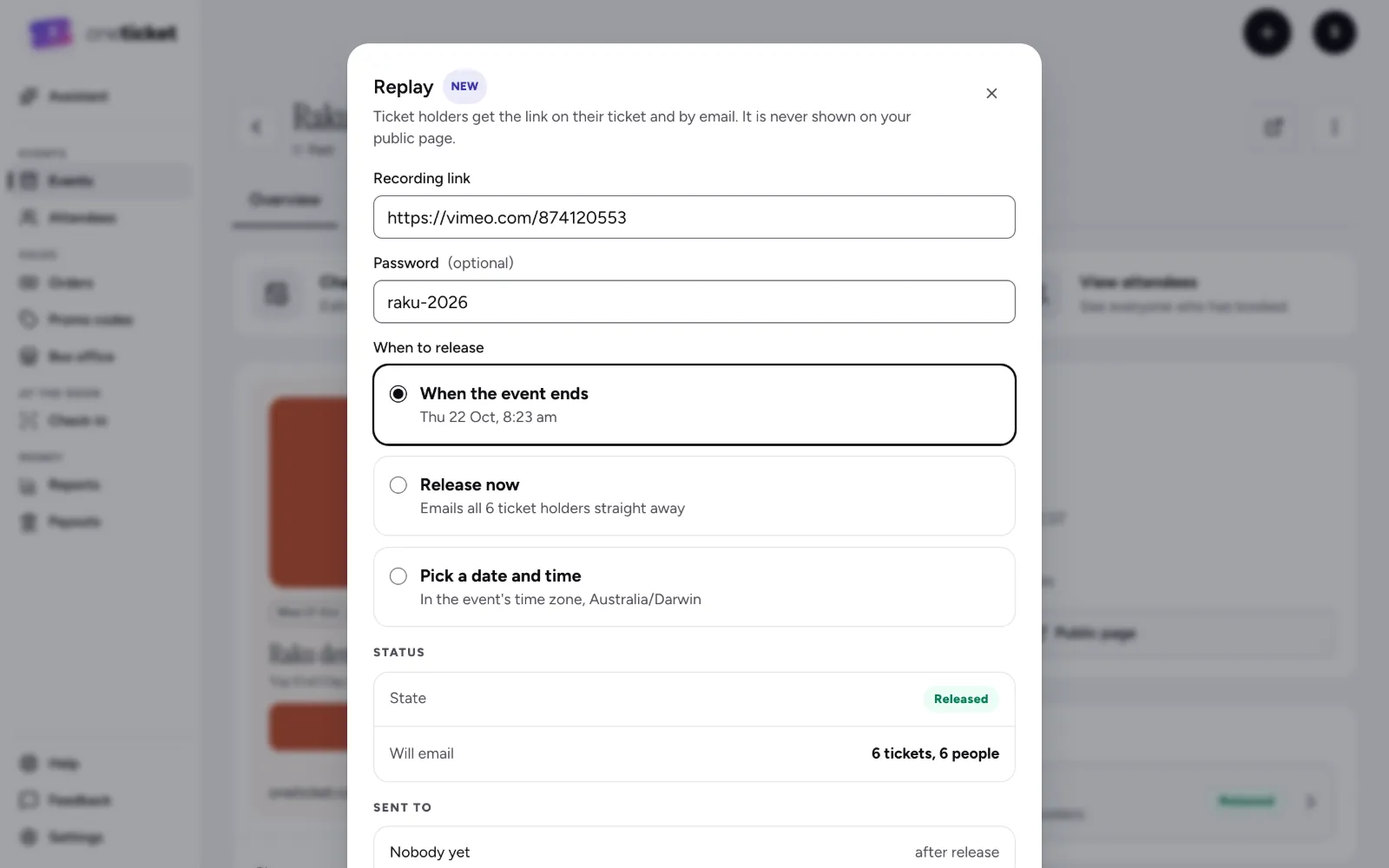
How it works
The recording on Vimeo, YouTube or another video site, and its password if it has one.
When the event ends, straight away, or at a date and time you pick, in the event’s time zone.
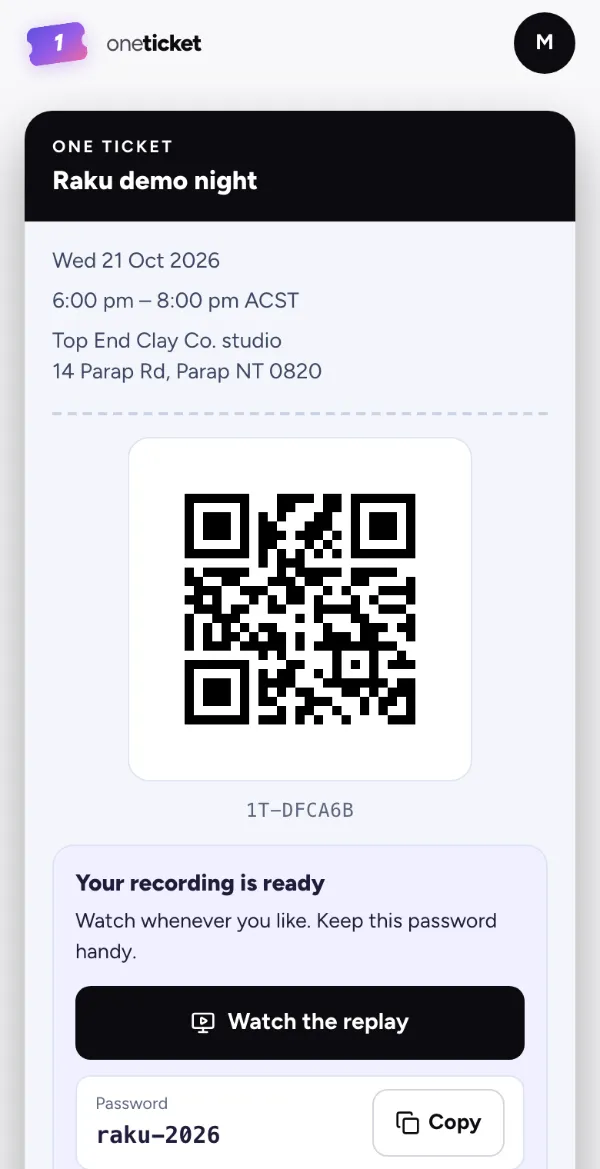
Everyone with a ticket is emailed the link, and finds it on their ticket with the password.
For ticket holders Pro and Team
The replay goes where your ticket holders already look, and nowhere else.
A new organiser’s link must open a known video site, such as Vimeo or YouTube; any other link waits until your payouts are verified.
The recording of your event, sent to everyone with a ticket: you add its link, and they get it by email and on their ticket when you release it.
Yes. Record the talk or the class and add the link afterwards: everyone with a ticket gets it, in person or online.
No. The recording stays on your video site, such as Vimeo or YouTube, and One Ticket sends its link and password to your ticket holders.
No. The replay is never on the public event page: only ticket holders get the link.
Pro and Team. Pro and Team are open now: upgrade any time in Settings › Plan. Limited-time offer: A$1 for your first year (first 100 organisers), then A$29/month for Pro or A$79/month for Team. Cancel anytime.
Replays come with Pro and Team. Everything you need to sell tickets is on Free today.