Products · Webinars

Sell tickets to
your webinar

Run it live on the meeting tool you already use, with your join link on every ticket. Or play a recording at a set time for everyone at once, like it’s live.

Live webinars on every plan. Premieres are on Pro and Team, A$1 for your first year on a limited-time offer.

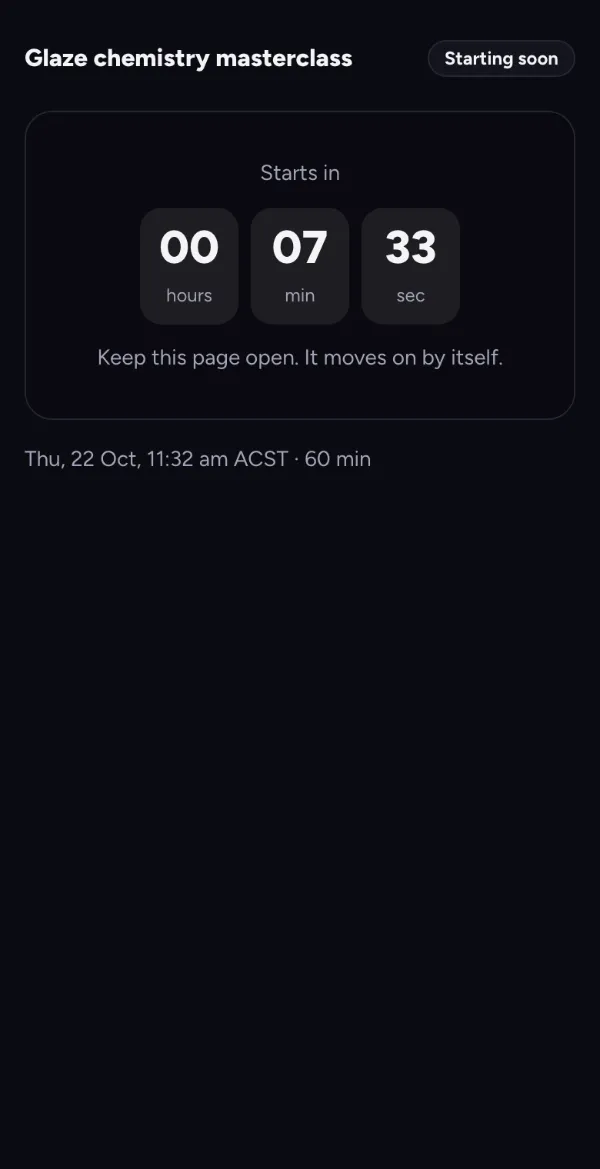
A premiere’s watch room before the start: Glaze chemistry masterclass, starts in 00:07:29, keep this page open
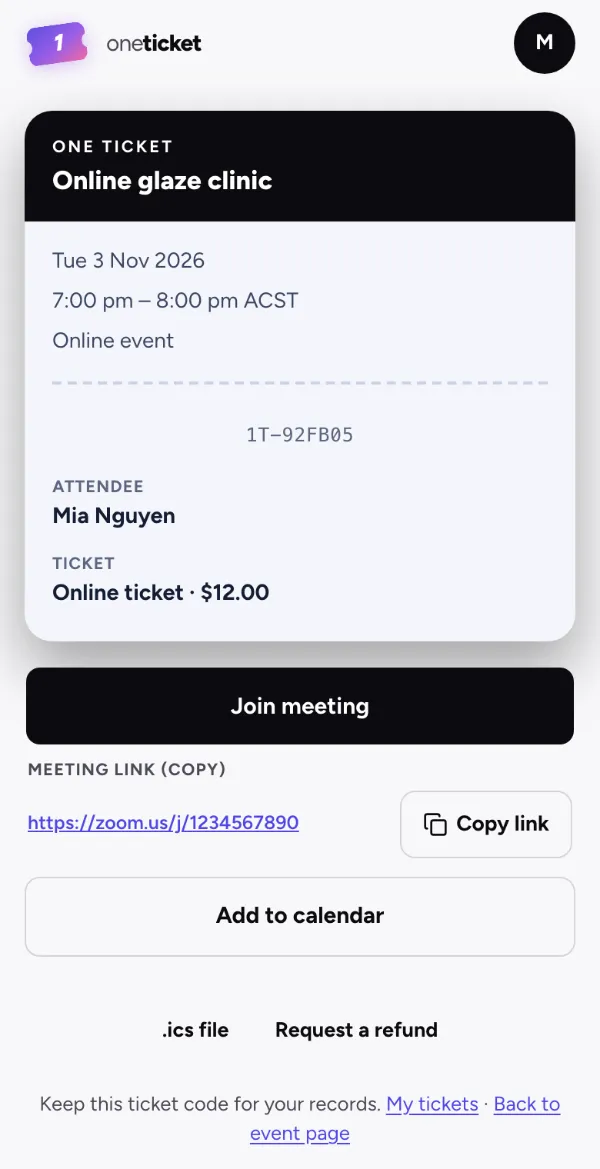
A ticket to an online event on a phone: Online glaze clinic, Join meeting, the meeting link and Copy link

Paste the link from the tool you already use

Zoom Google Meet Microsoft Teams Webex GoTo Meeting Whereby Jitsi Meet YouTube Vimeo Twitch StreamYard and more

Live or pre-recorded

Two ways to run it

Both sell like any event: free or paid tickets, a cap if places are limited, reminders and a calendar file.

Every plan

Live, on your meeting tool

Set the meeting up in Zoom, Teams, Google Meet or the tool you use and paste its join link. It goes on the ticket, in the ticket email, in the reminders and in the calendar file, or is held back until 15, 30 or 60 minutes before the start.

The ticket for a live webinar, with Join meeting

Pro and Team

A premiere, like it’s live

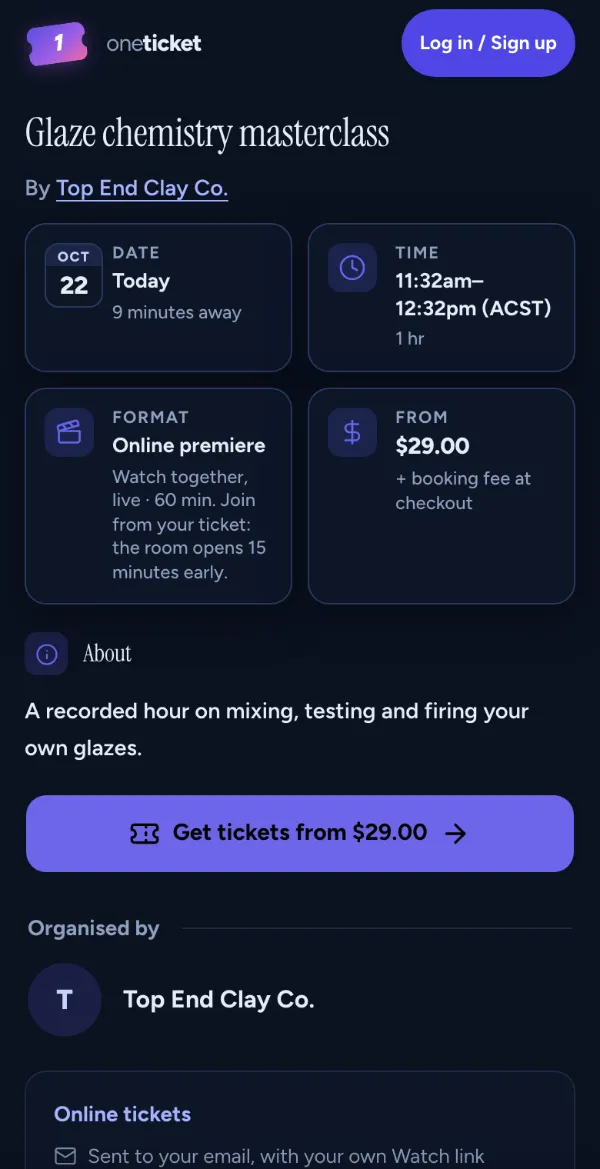
Your video on Vimeo plays at the start time you set, for everyone with a ticket at once. Each ticket has its own Watch link.

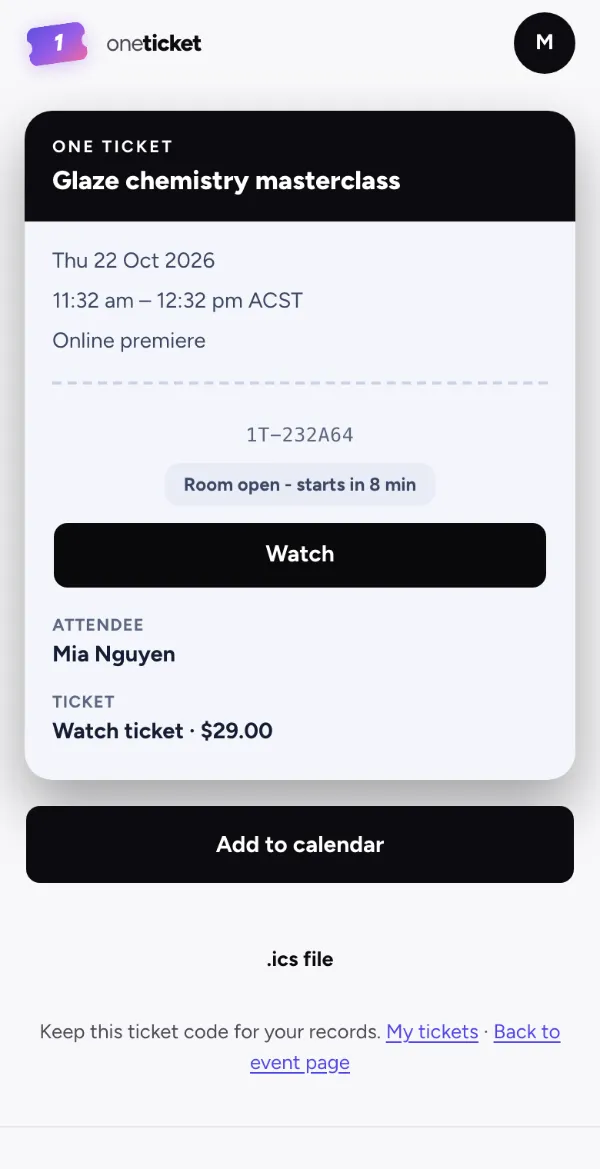
The ticket for a premiere: Room open, starts in 8 min, Watch

Premieres Pro and Team

Everyone sees the same moment

The watch room plays your recording as if it were live. Nobody pauses, rewinds or skips, and anyone who joins late picks up where it’s up to.

  • The room opens at the start, or up to an hour before, and can play a YouTube countdown first
  • A live count of who’s watching
  • Each Watch link plays on one screen at a time
  • Entry closes in the last 5 to 30 minutes, as you choose, or stays open until it ends
  • Your closing message shows when it finishes
  • Your attendee list shows who watched, and for how many minutes

No live chat or Q&A: for questions, run the session live on your meeting tool.
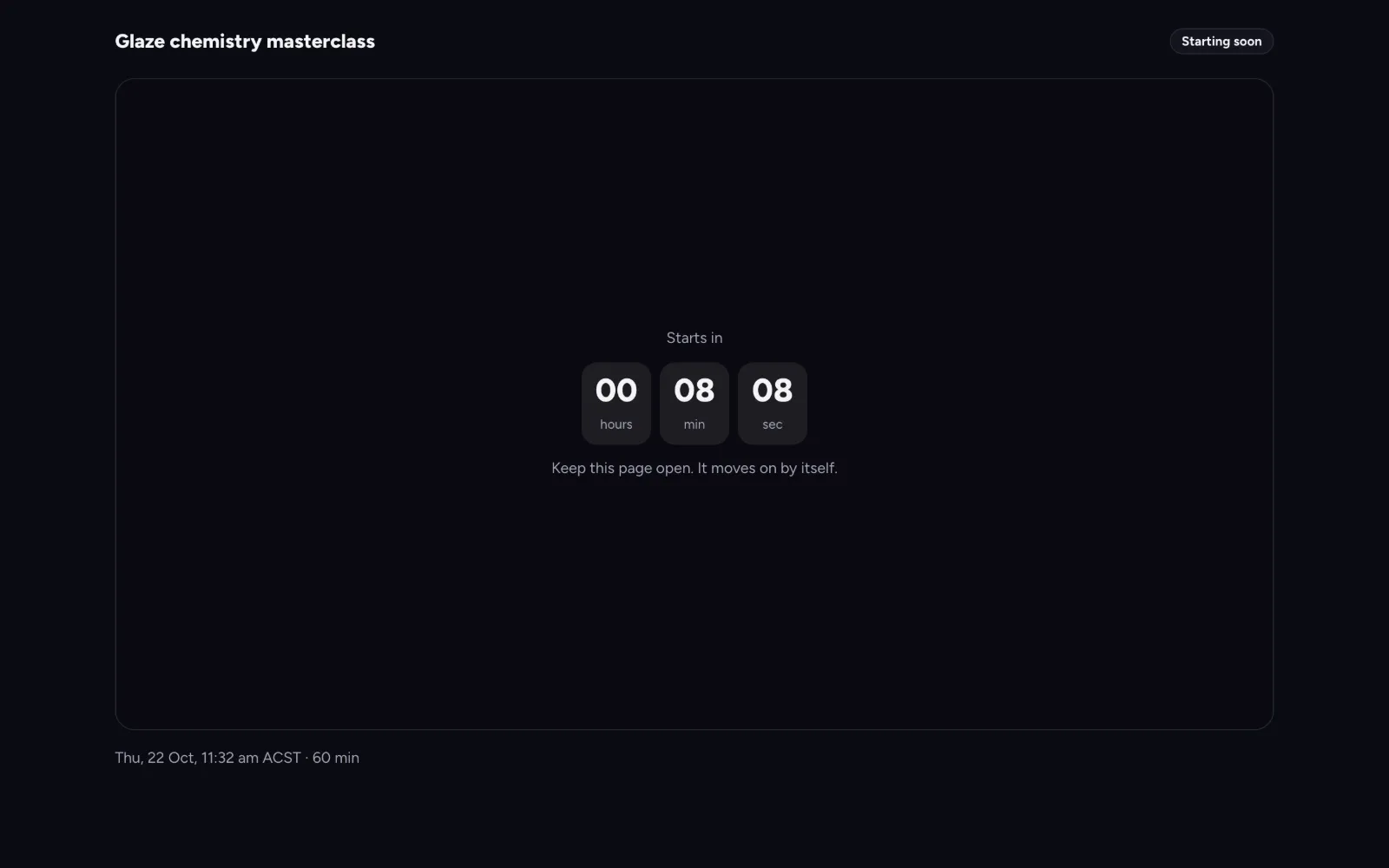
The watch room on a phone: Glaze chemistry masterclass, Starting soon, starts in 00:06:53

What a ticket costs

Free webinars stay free

A free ticket costs nobody anything, and you don’t need Stripe connected to run one. On a paid ticket you receive 100% of your price; the buyer pays a small booking fee on top.

Live webinar

A $20 ticket

You set the price$20.00
Booking fee, paid by the buyer$1.37
Buyer pays$21.37
You receive$20.00

Pre-recorded masterclass

A $49 ticket

You set the price$49.00
Booking fee, paid by the buyer$2.12
Buyer pays$51.12
You receive$49.00

On one ticket per order, in AUD. On Pro and Team you can absorb the fee so buyers pay your price only. Full fee table

Answers to your questions

Can I sell tickets to a Zoom webinar?

Yes. Create an online event and paste your Zoom join link. It goes on every ticket, in the ticket email, the reminders and the calendar file, for ticket holders only. One Ticket doesn’t connect to your Zoom account or create the meeting for you.

Does it work with Google Meet and Microsoft Teams?

Yes. Links on meet.google.com, teams.microsoft.com and teams.live.com work from your first event, as do Webex, GoTo Meeting, Whereby, Jitsi Meet, YouTube, Vimeo and other known meeting and video sites. Any other link is held back until your payouts are verified.

What is a premiere?

A video on Vimeo that plays at a set time for everyone with a ticket, like it’s live. Late joiners pick up where it’s up to, and each ticket has its own Watch link that plays on one screen at a time. Premieres are on Pro and Team. Pro and Team are open now: upgrade any time in Settings › Plan. Limited-time offer: A$1 for your first year (first 100 organisers), then A$29/month for Pro or A$79/month for Team. Cancel anytime.

Can people watch it again later?

The premiere plays once, at the time you set. To let people watch afterwards, add a replay: everyone booked gets the recording link on their ticket and by email. Replays are on Pro and Team. Pro and Team are open now: upgrade any time in Settings › Plan. Limited-time offer: A$1 for your first year (first 100 organisers), then A$29/month for Pro or A$79/month for Team. Cancel anytime.

What does a buyer pay on a $20 webinar ticket?

$21.37: the $20.00 ticket price and a $1.37 booking fee, on a one-ticket order. You receive the whole $20.00, and the fee is the same on every plan.

Can I run a webinar every week?

Yes. Run it as a series on one page, and let regulars subscribe weekly, fortnightly or monthly.

Your next webinar,
on One Ticket.

Set up a live webinar on the Free plan in minutes: paste your join link and share the page.