What’s set up
One-off · Free
- A free ticket capped at the kits
- Two to an order
- The waitlist to fill cancelled places
Tickets
| Ticket | Example price | Places |
|---|---|---|
| Free place with a kit Free. A reminder comes the day before. | Free | 30 |
Prices are examples, in your own currency: change them to yours. Each ticket type has its own cap, in people: a ticket that admits four counts four.
Checkout questions
None to start with. Add your own in the builder, under Questions, and they are asked before people pay.
The event page
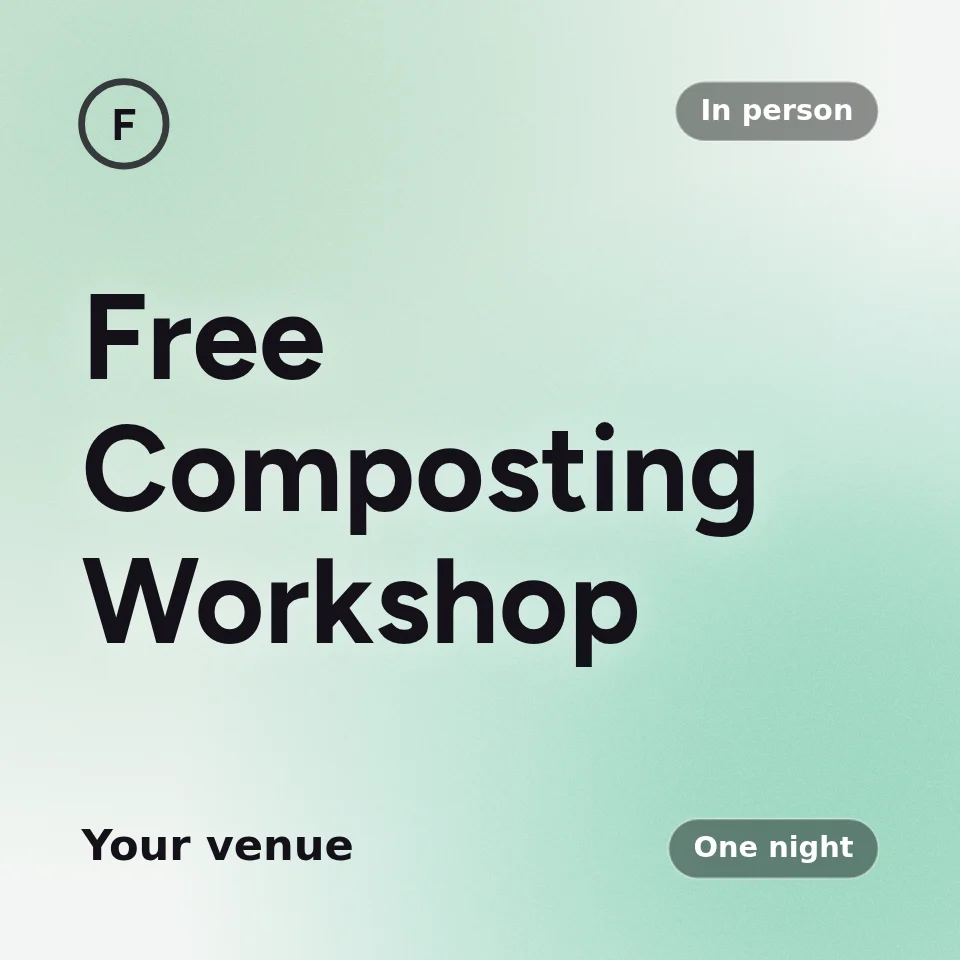
It starts as Free Composting Workshop, with this line under the name: An hour on compost and worm farms, with a starter kit for everyone who comes.
A hands-on hour on compost bins and worm farms, run by a local gardener. Everyone who comes takes home a starter kit.
Free, with a limited number of kits. If you cannot come, let us know and we will cancel your booking, so someone else can have your place.
- Once, 10:00 am to 11:30 am.
- The button on the event page says “Get my starter kit”.
- At most 2 tickets an order.
- The waitlist is on: when a ticket sells out, people can join it.
Before you publish
- Set the cap to your kits.
- Nothing is saved until you save a draft or publish.
Common questions
- What does the free community workshop template set up?
- Once, 10:00 am to 11:30 am. Tickets: Free place with a kit. No checkout questions to start with. It is free on every plan, and you can change any of it before you publish.
- What should I check before publishing a free community workshop?
- Add your date and venue. Set the cap to your kits. Nothing is saved until you save a draft or publish.
Start your free community workshop from this template
The event builder opens with it filled in, no account needed to look around. Pick your date and venue, change anything, and make a free account when you’re ready to save or publish.