Step 1: Paste your link
Copy your event’s address from Humanitix and paste it above. The builder opens with your event in it.
Switch from Humanitix
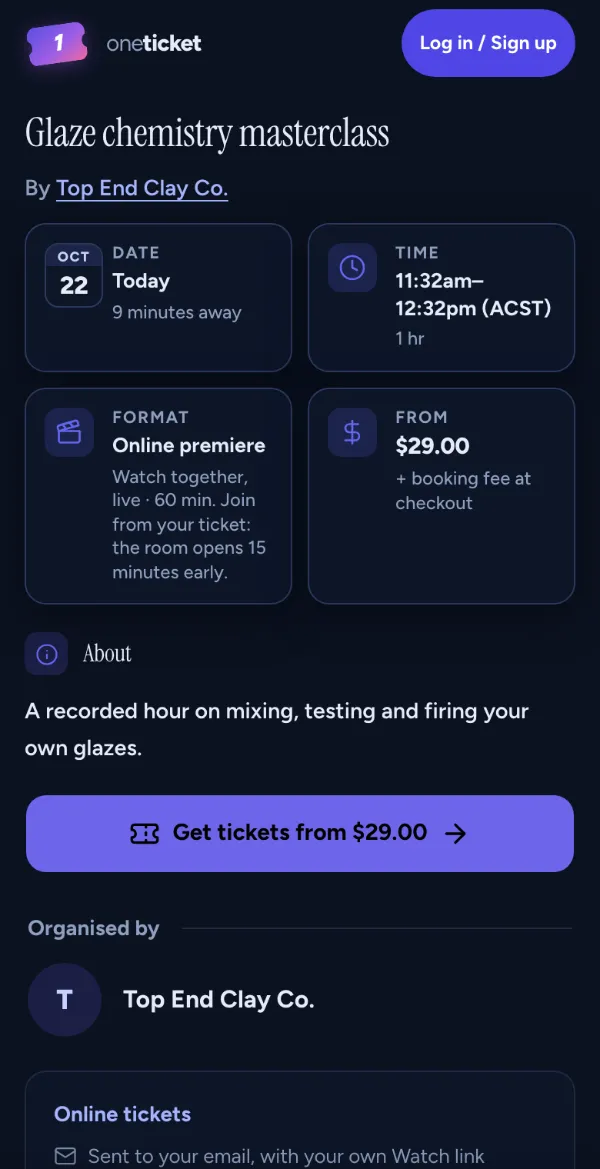
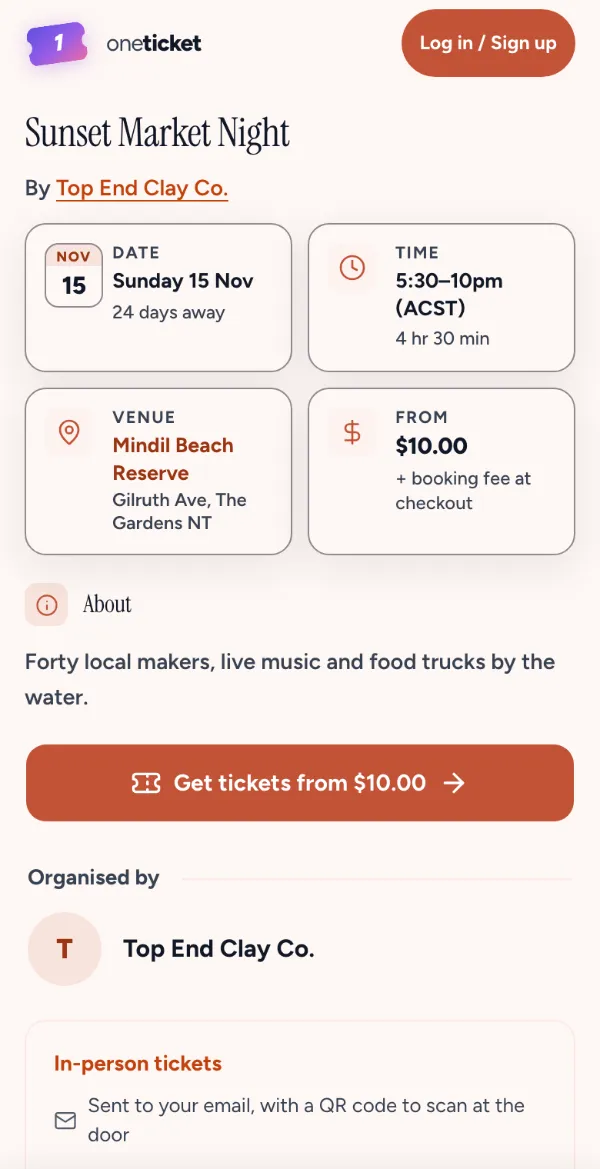
Paste your Humanitix event’s link: its name, description, date, times, place and tickets come across into One Ticket’s builder. You check it, then publish.
Open your event on Humanitix and copy the address from the top of your browser. Nothing is published until you say so, and nothing changes on Humanitix.
Free to start: just your email, no password and no card.
Fees, like for like
Move the sliders. Like for like: the fee absorbed on Humanitix and on One Ticket.
You’d keep
$1,068more a year on One Ticket
With the fee absorbed on both, you receive $56,412 a year on Humanitix and $57,480 on One Ticket, for 12 events of 100 tickets at $50.
Passing the fee on instead? Your buyers pay $1,020 less a year in all on One Ticket than on Humanitix.
On a one-ticket order at published rates, August 2026. Each ticket counted as its own order. Uses Humanitix Standard pricing of 4% + $0.99 per paid ticket. Free tickets have no service fee. Confirm current rates on Humanitix if your plan differs.
What comes across
Then three steps
Copy your event’s address from Humanitix and paste it above. The builder opens with your event in it.
Check the details, the tickets and the cover, connect Stripe for paid tickets, then publish.
Point people to your One Ticket page, and check them in from your phone on the night.
And everything after
From the page people book on to the door and the numbers after. Every product works on the Free plan unless it says Pro and Team.
Ticket types with their own caps and sales windows, questions at checkout, discount codes, waitlists and multi-day events.
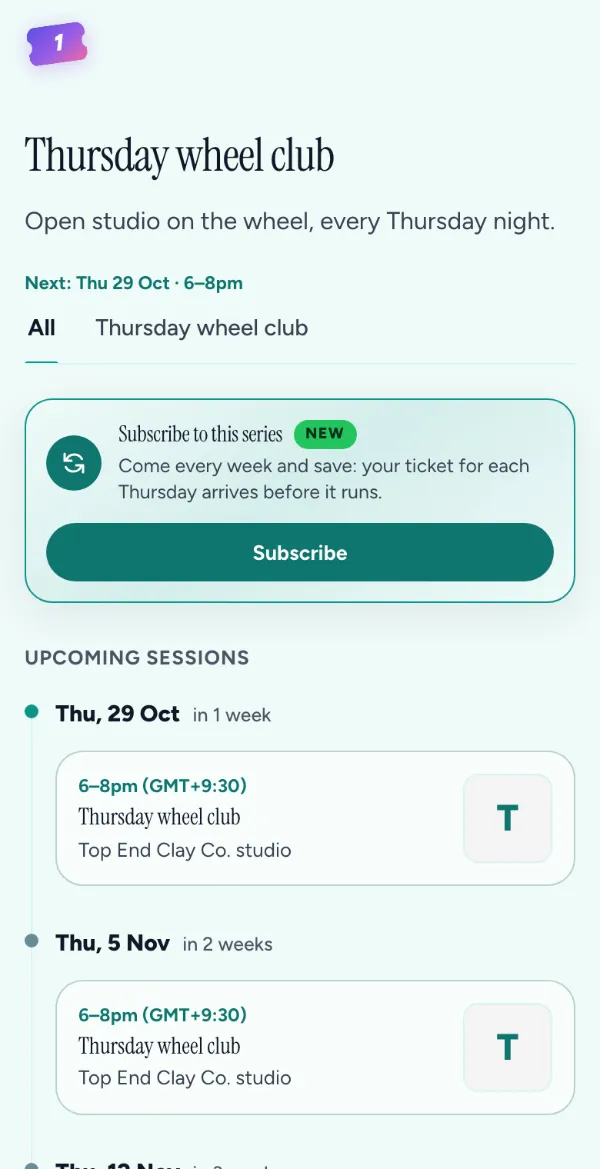
FreeOne page for every session, and plans billed weekly, fortnightly or monthly. Each subscriber’s ticket arrives on its own.
Free Premieres: Pro and TeamYour join link on every ticket, or a recording played at a set time, like it’s live.
Pro and TeamThe recording, sent to everyone with a ticket when the event ends, in person or online.
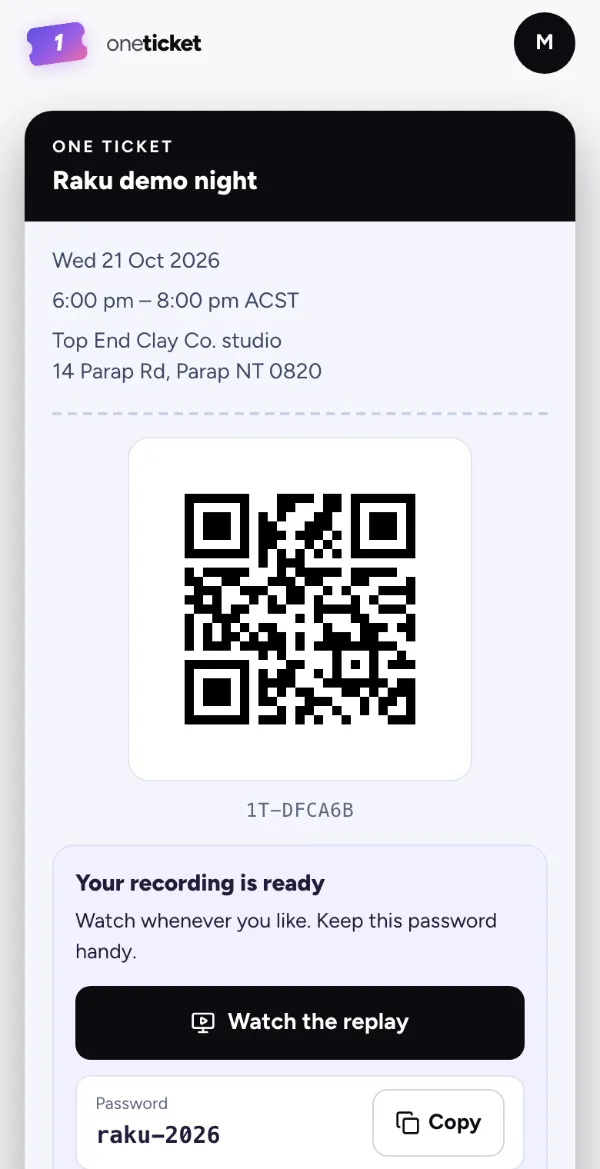 Free
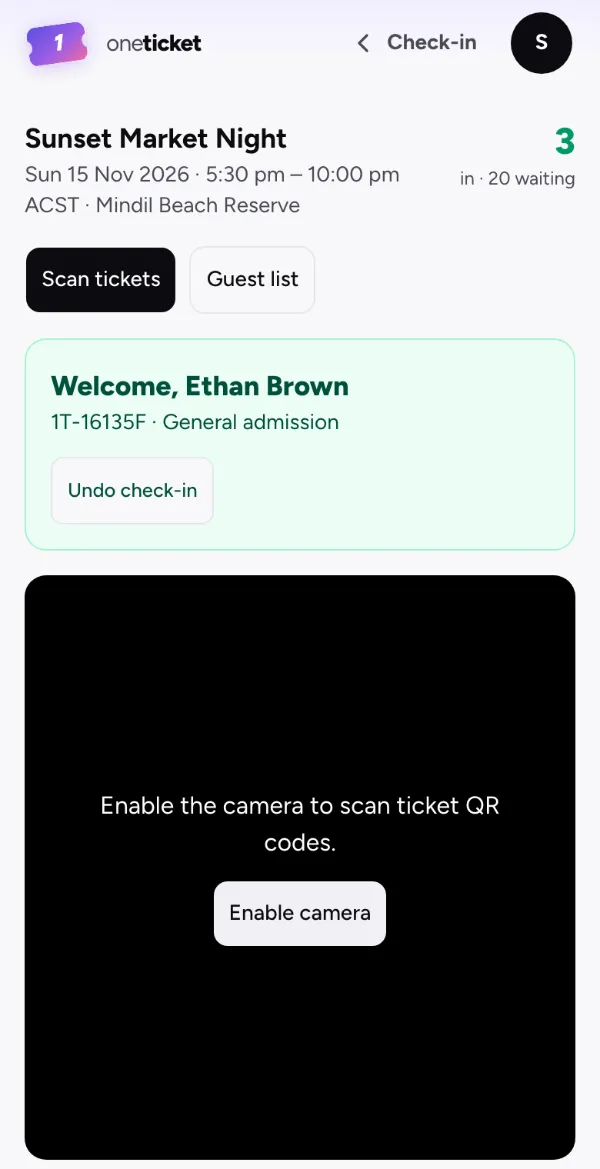
QR check-in from any phone, a guest list by name, and a box office for cash and comps.
Paste your event’s Humanitix link at the top of this page and press Bring my event over. The builder opens with its name, description, date, times, place and tickets filled in, and its cover photo once you’re signed in. Check it, then publish. Nothing is saved until you do, and nothing changes on Humanitix.
Questions at checkout, discount codes, caps and sales dates. Your orders and attendees stay on Humanitix.
Like for like, at every price on this page. With the fee absorbed on both, One Ticket takes less of each ticket, on any plan. With it passed on on both, your buyers pay less. On a $25 ticket Humanitix’s fee is about $1.99 and One Ticket’s booking fee is $1.45, from Humanitix’s published rates checked August 2026.
No. The Free plan has no monthly cost: your buyers pay the booking fee and you receive your full ticket price, or you absorb it, on any plan, Free included.
Yes. Bringing an event over only reads its public page: nothing changes on Humanitix, so keep selling there until your One Ticket page is live, then share the new link.
Connect Stripe when you are ready for a paid ticket. The first payout lands in your own account.