Regulars pay for the season
Weekly, fortnightly or monthly, at your price. A plan can cover one person, a couple or a family, at a venue or online.
Ticketing for Australian organisers
Free to start: just your email, no password and no card.
tickets sold since 2026
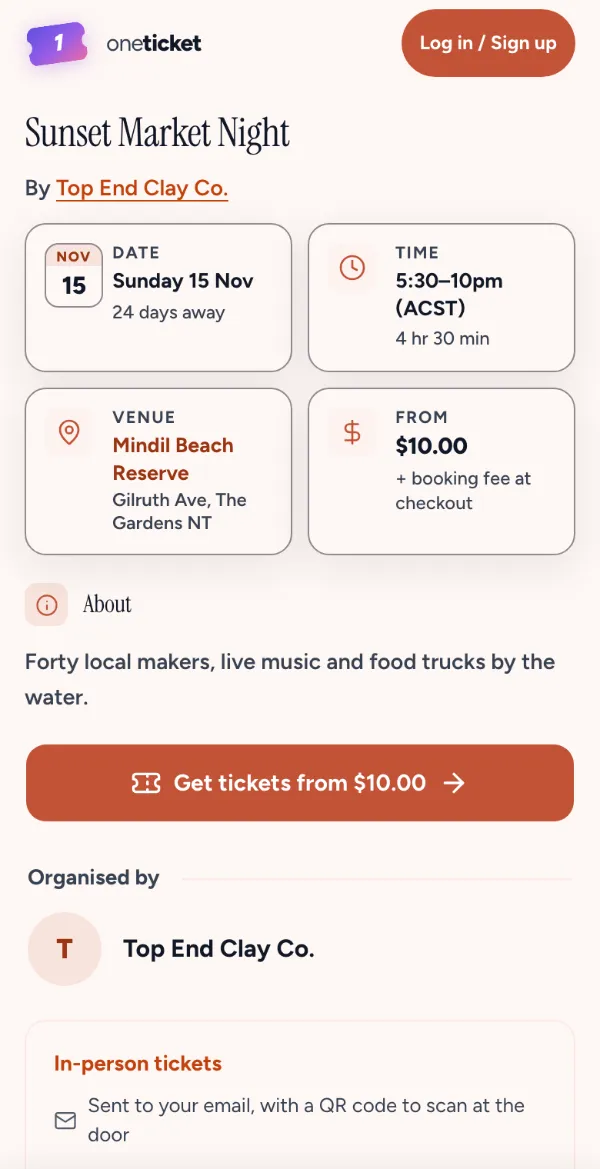
Make the switch
Paste your event’s link and it comes across in minutes, ready to check. With the fee absorbed on both, 12 events a year of 100 tickets at $50 leave you $2,124 more a year than on Eventbrite.
Products
From the page people book on to the door and the numbers after. Every product works on the Free plan unless it says Pro and Team.
Ticket types with their own caps and sales windows, questions at checkout, discount codes, waitlists and multi-day events.
FreeOne page for every session, and plans billed weekly, fortnightly or monthly. Each subscriber’s ticket arrives on its own.
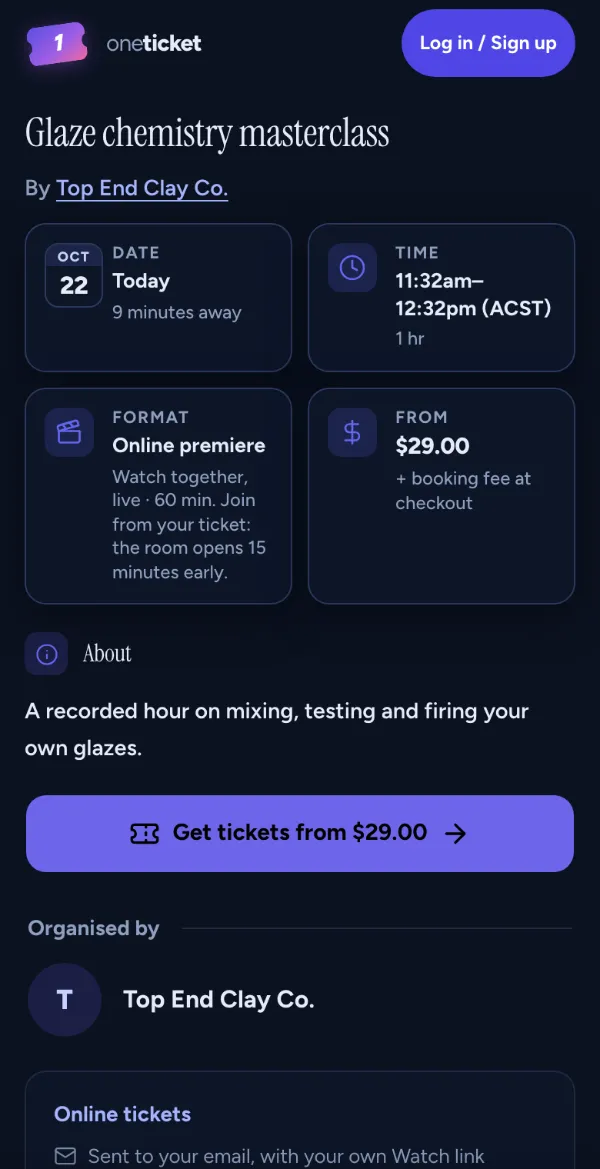
Free Premieres: Pro and TeamYour join link on every ticket, or a recording played at a set time, like it’s live.
Pro and TeamThe recording, sent to everyone with a ticket when the event ends, in person or online.
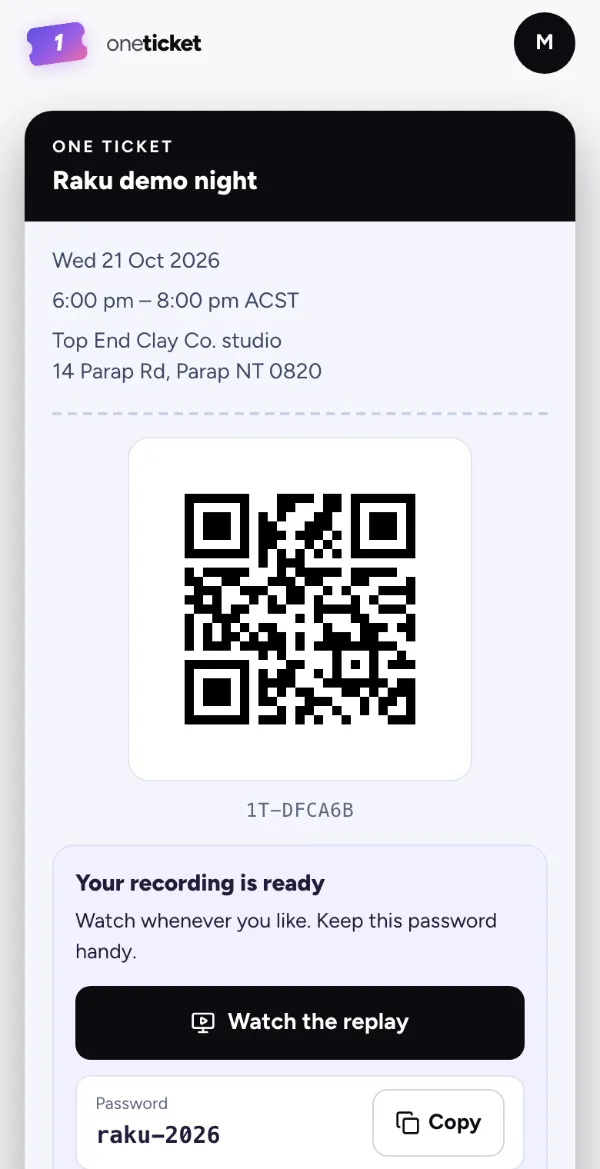 Free
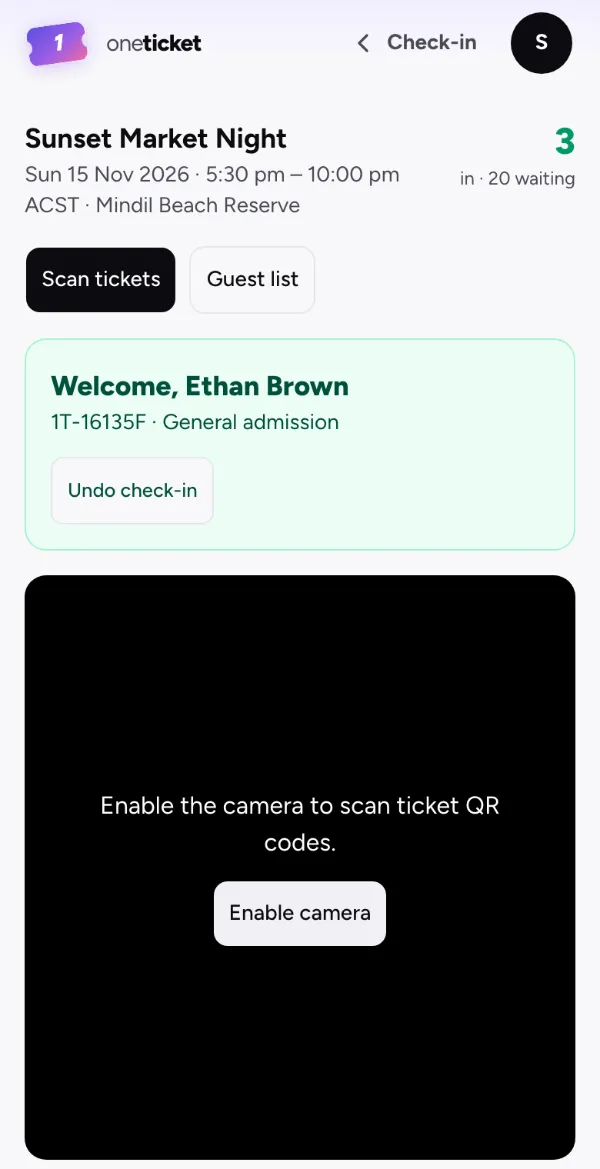
QR check-in from any phone, a guest list by name, and a box office for cash and comps.
Series and subscriptions
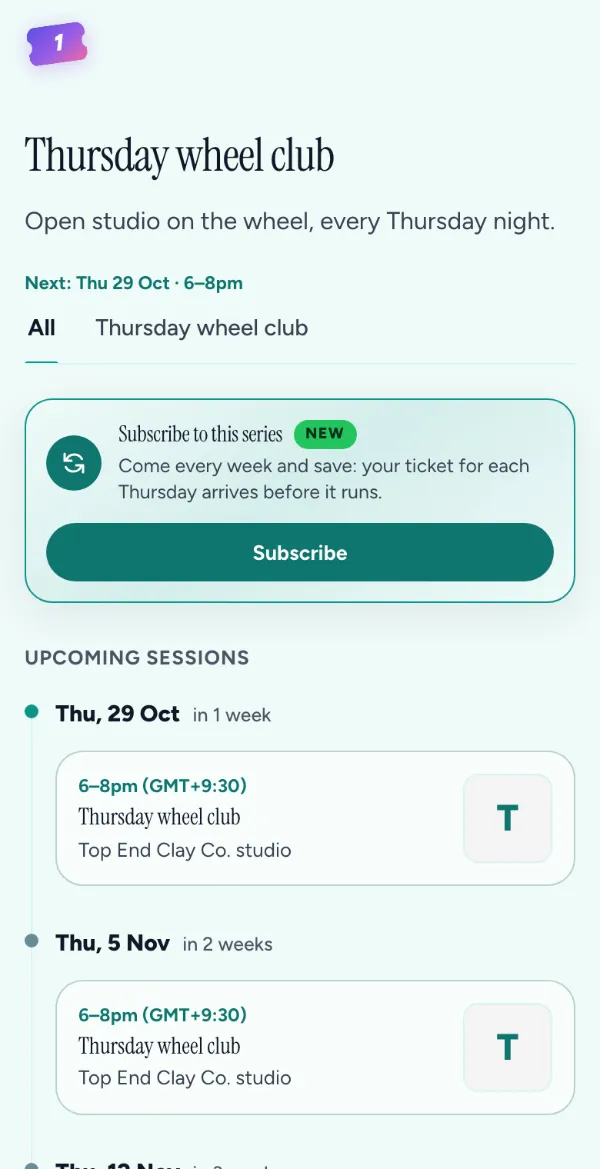
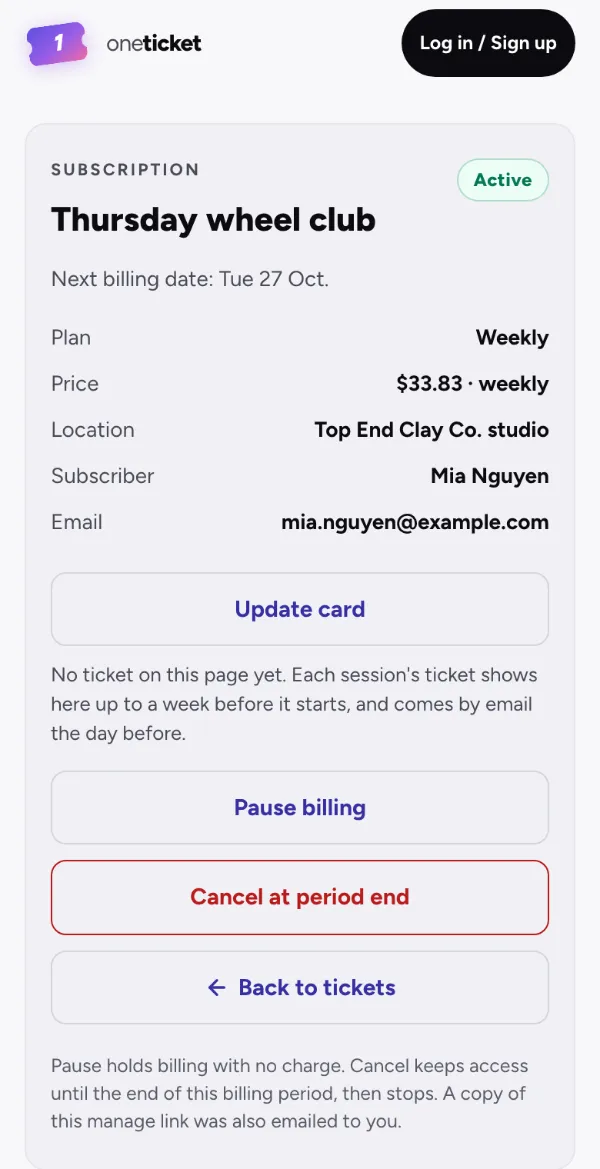
Set the rhythm once. The sessions make themselves, regulars pay for the season, and their tickets arrive before every session.
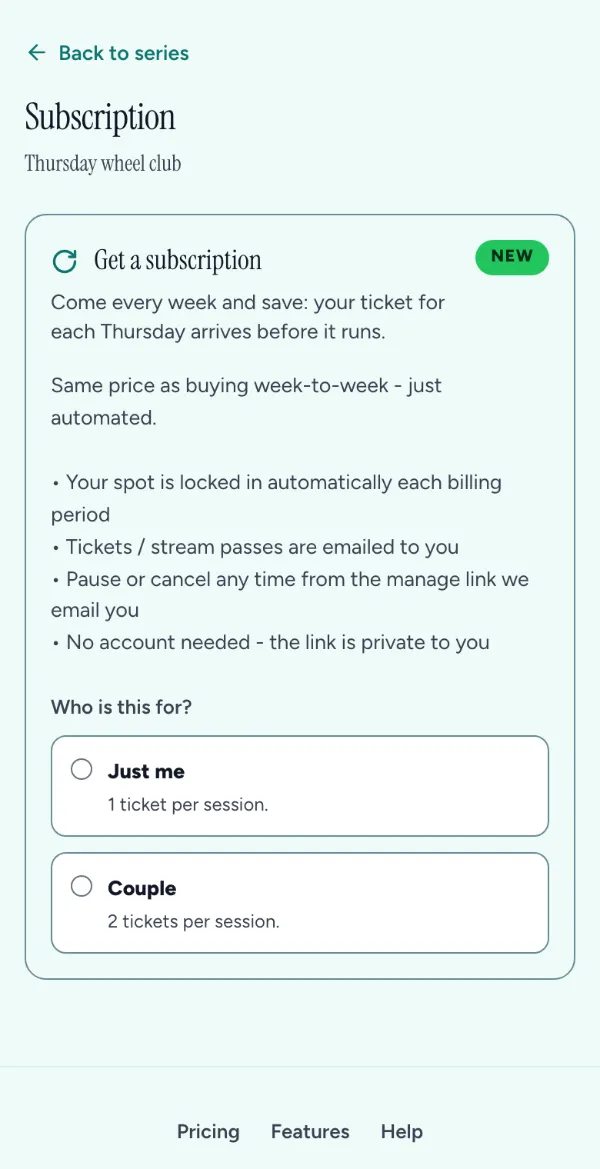
Weekly, fortnightly or monthly, at your price. A plan can cover one person, a couple or a family, at a venue or online.
Each subscriber’s ticket for the next session is issued ahead of time. They update a card, pause or cancel from their own link, without emailing you.
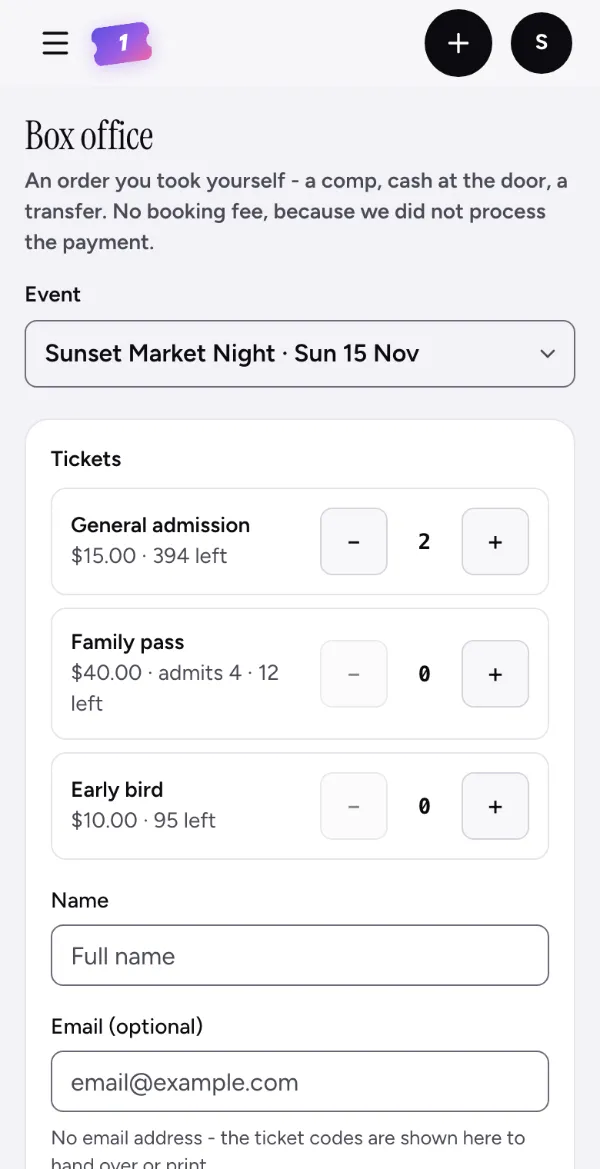
At the door
No scanner and no laptop. Open the door page on any phone and scan. Cash, comps and bank transfers go through the box office, onto the same guest list.
Assistant
Describe your event in a sentence, or drop in a flyer. The Assistant drafts it, with the date, venue, tickets and prices, ready for you to check and publish. It writes descriptions and replies to buyers too.
For example: A handpan gig at Brown’s Mart, 7pm next Friday, $25, 60 seats
Here’s the draft. I took next Friday as the Friday coming; just give me the venue’s street address.
Event draft
Assumed: the next Friday. Check before you publish.
Saved as a draft. Nothing goes on sale until you publish it.
10 messages a month on Free, 100 on Pro and 300 on Team. More about the Assistant
Organisers keep 100% of their ticket price, with no setup or payout fees; the Free plan has no subscription. Buyers pay a small booking fee on paid tickets that covers the platform tier and card processing. Free tickets are $0 for everyone.
Every ticket is charged to your own connected Stripe account. Ticket money is paid out two days after each event, so refunds are there if an event can’t go ahead.
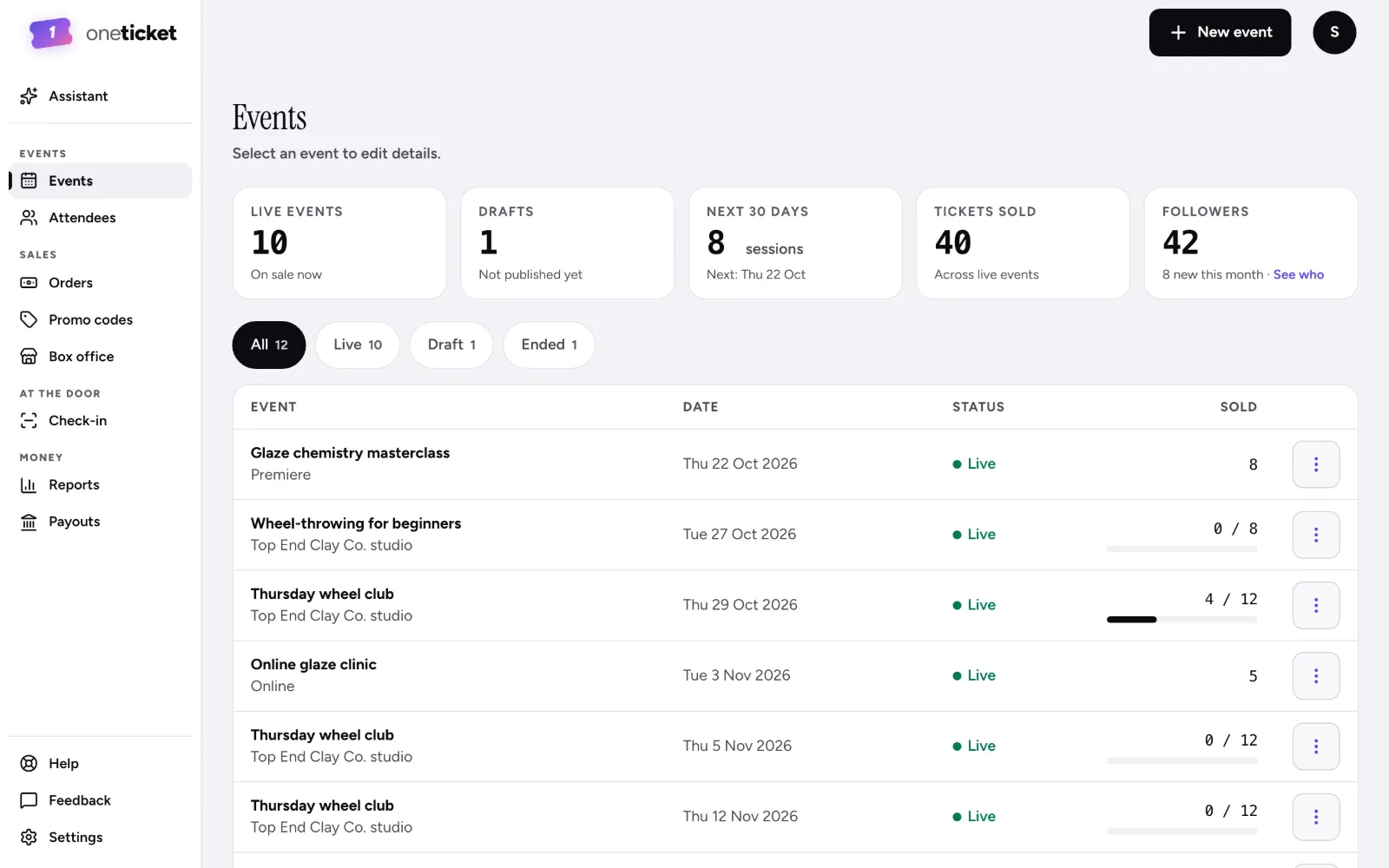
Yes. A recurring event gets one landing page with every session on it, and a subscription lets regulars pay once for the series.
Every ticket has a QR. Scan it from any phone with no app to install, or search the guest list by name.
Yes, from your Orders list: a whole order on every plan, or part of one on Pro and Team. Buyers see your refund policy before they pay. If you move the date, the start time or the place, anyone booked can refund in full, booking fee included.
Australian dollars, US dollars and British pounds. Your account sets it and every page follows.
Connect Stripe when you are ready for a paid ticket. The first payout lands in your own account.