









The short answer
On One Ticket each ticket is charged to your own connected Stripe account when it is bought. The buyer's booking fee is the only part that is ours, and it is a separate line on their receipt.
While your account is new, the money waits in your Stripe balance until two days after each event, after the people who went have been asked how it was. If someone says it did not go ahead, or a refund request is waiting on you, that event's money waits until it is sorted out. After your first event that took money with no refunds and no reports, your account is verified and Stripe pays out as it sells.
Stripe then pays your balance into your bank account on your account's payout schedule, which you can see and change in Stripe's own dashboard, along with the date of the next payout. The first payout on a brand new Stripe account usually takes longer than the ones after it, so connect Stripe a week or two before tickets go on sale.
If you refund a ticket, the refund comes out of your Stripe balance and the booking fee is refunded to the buyer too. So keep enough in the balance to cover the refunds your policy allows until the night has run.
Ready-made template
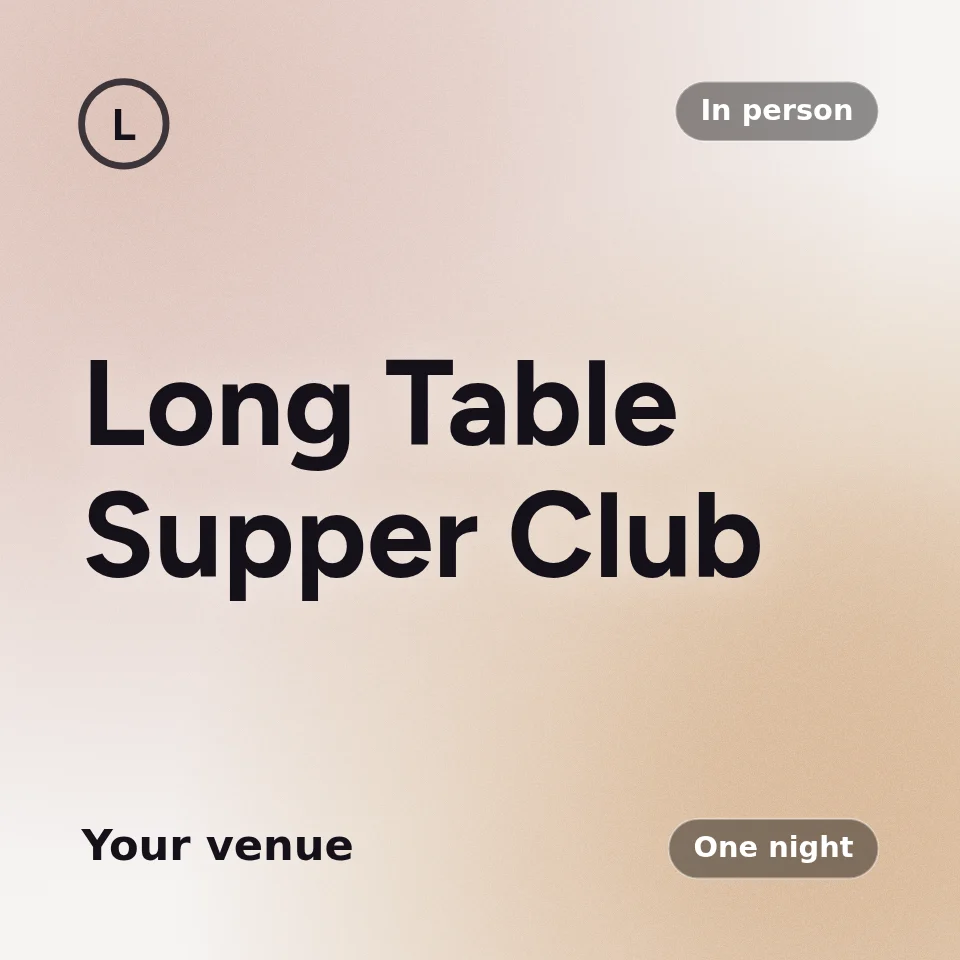
Long Table Lunch at the Vineyard
Long lunch, already set up as an event you can open now. Pick a date and a venue, change what you like, and publish. Nothing is saved until you do, and you can start without an account.
- Two ticket types, with and without wine
- Dietary requirements, required
- The waitlist for the long table
Which fits your event?
Start from the one requirement that decides it.
| Your main requirement | Start with |
|---|---|
| You need the money before the event, for a deposit or stock | Paid out as it sells once verified, on One Ticket |
| A volunteer runs the night, but the club should be paid | Hand over the payouts, on One Ticket |
| Twenty friends paying you back for a dinner | A bank transfer; no ticketing needed |
| Your first event, and buyers do not know you yet | Held until two days after it, on One Ticket |
Holding the money protects a buyer from an event that never happens; it also leaves a new organiser paying a deposit from their own pocket. That is why the hold lifts after a first event with no refunds and no reports.
How it works in practice
Stripe's payout timing is Stripe's, not ours. Its dashboard is the source of truth for your account.
| Moment | Where the money is |
|---|---|
| A ticket sells | In your Stripe balance, under your name |
| Two days after the event, while new | In your bank account |
| Once your account is verified | In your bank account as it sells, on the schedule Stripe shows you |
| A refund | Back to the buyer, from your Stripe balance; the booking fee too |
| Someone else runs the event | Still paid to you, with Hand over the payouts |
| Tax time | Every payout and fee in Stripe; orders as a CSV from One Ticket |
One Ticket for a recurring room
Everything below follows from one decision: a series is one object, not a list of dates.
| Feature | What it does |
|---|---|
| Who came back | After every session: how many came, how many had been before, who is new and who has stopped coming, by name, with an address to write to |
| Subscriptions | One subscription covers every session in a series. Each night's ticket is minted ahead of time |
| Paid out | Every ticket is charged to your own Stripe account. A new account is paid out to your bank two days after each event, once guests have said how it went; after a first clean event it is paid out as it sells |
| Fees | No platform fee on the ticket price. The buyer pays a booking fee: a platform tier of 35c to $1.45 a ticket, then 1.5% of the price above $100, plus card processing. On a $25 ticket that is $1.45 all in, so the buyer pays $26.45. Free tickets cost nothing |
| Refund if it changes | Move the date, start time or place after people have booked and every one of them can refund in full, booking fee included, until it starts, whatever your refund policy says. You are warned before you save, and everyone booked is emailed the new details |
| Refund requests | On a case-by-case event the buyer asks from their ticket. You have 3 days to refund or decline; a request nobody answers goes to One Ticket support, and your payouts are held until it is settled |
| Guest ratings | After each event, ticket holders rate it: stars and a few words. From 5 ratings the average shows under your name on every event page, good or bad. Notes are for you alone, and never say who wrote them |
| Scam protection | Every page is read before it can send an email, and our emails carry none of an organiser's own links or phone numbers. A new organiser's money is held until after the event, and anyone can report an event from its page |
| Verified tick | Earned by selling here: 3 past events, 25 tickets, no chargebacks, no ignored refund requests, and an average of 4 stars once there are 10 ratings. A chargeback or an ignored request takes it away at once |
| Block a person | Block an address from a ticket type, for this event or every one after it. No public list, no conversation at the door |
| Your page | Your colours, your title font, your cover. Nobody else's event on it |
| Import | Paste an Eventbrite link and the title, description, date, venue and ticket types come across |
| Not included | A marketplace. There is no search page and no audience to sell into; the people are the ones you bring |
Common questions
- Does One Ticket hold my ticket money until after the event?
- For a new organiser, yes: it waits in your own Stripe account until two days after each event, so buyers are protected if an event does not happen. After your first event with no refunds or reports, it is paid out as it sells.
- Is there a payout fee?
- No payout fee from One Ticket. The buyer pays a booking fee at checkout and you receive the ticket price.
- Can someone else run the event while the money still comes to us?
- Yes. Hand over the payouts lets another person run the event while ticket money goes to your Stripe account.
- Do I need Stripe to sell free tickets?
- No. Stripe is only needed for paid tickets. Free tickets work without it.

One Ticket
Sell tickets. Keep every dollar.