
83 things, every one of them shipped
Everything it does
Sell tickets, run a series, take bookings at the door. No platform fee, no subscription, and the money goes to your own Stripe account.
Every feature on this page is on every account. There is no plan to upgrade to.
Making the page
Describe the night and the builder makes the page. Everything on this row is about what that page is and how it looks, before a ticket is sold.
AI Builder
Describe what you are running and the event builder fills itself in. Five messages per account.
Colour theme
Pick a scheme and the event page, ticket and emails all follow it.
Event pages
Your logo, cover, colours and font. Our brand stays out of the way.
Tidy addresses
A short oneticket.com.au/e/your-event link, and old ones keep working.
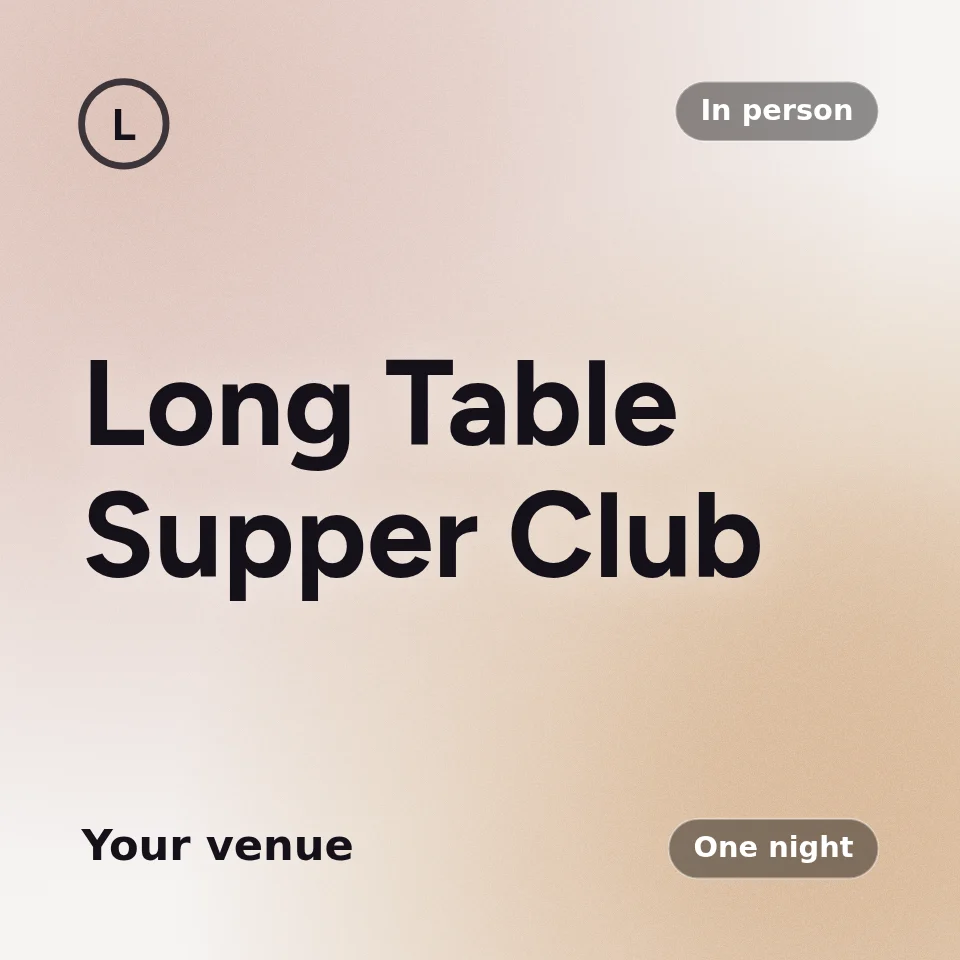
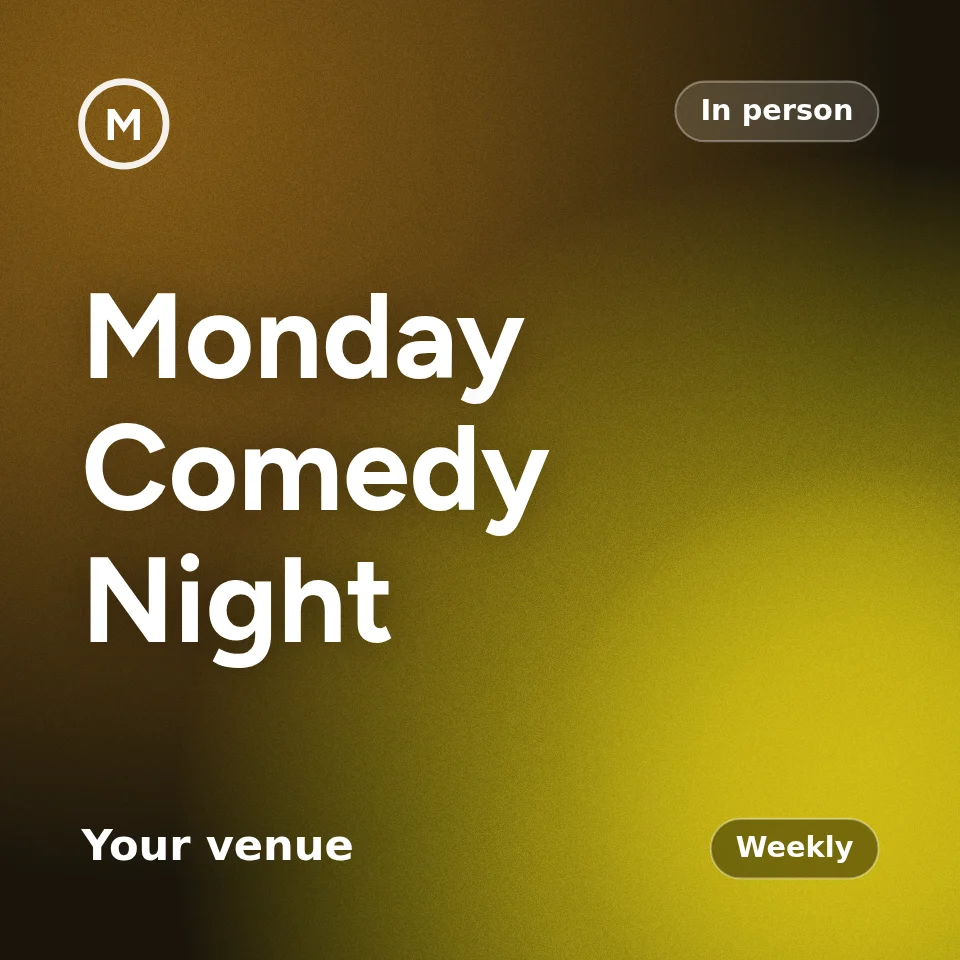
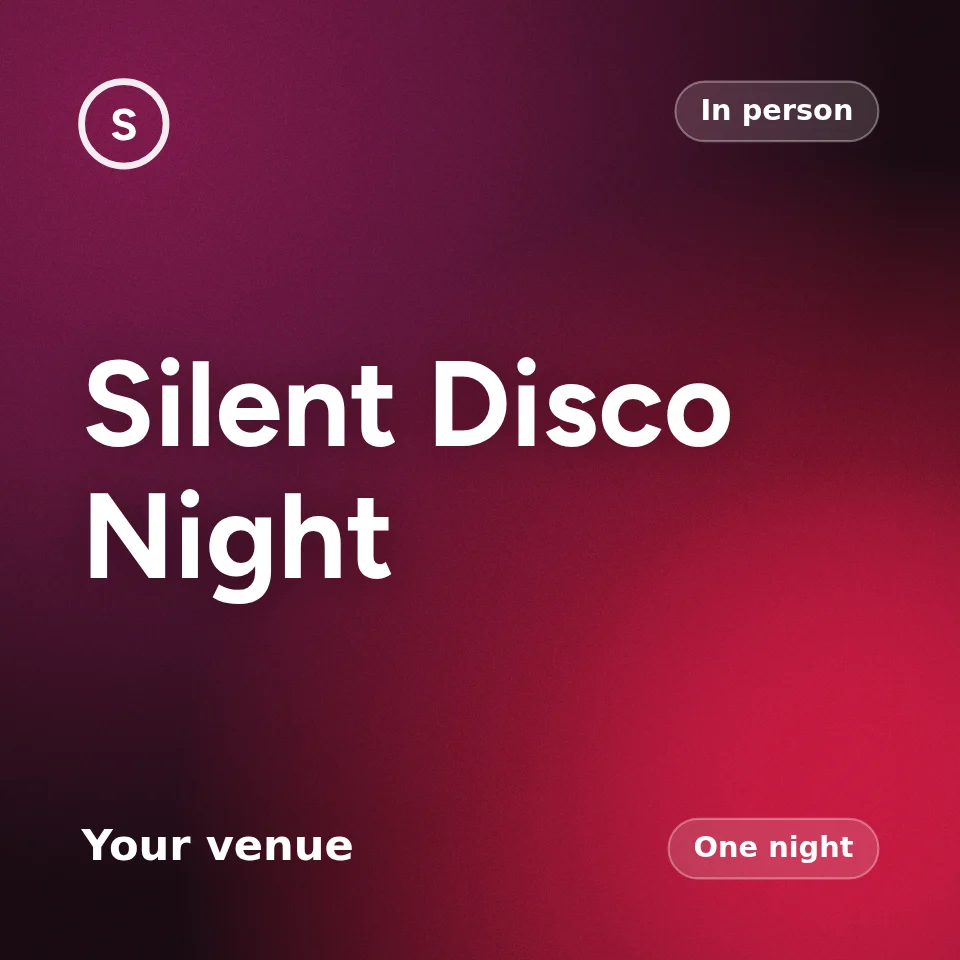
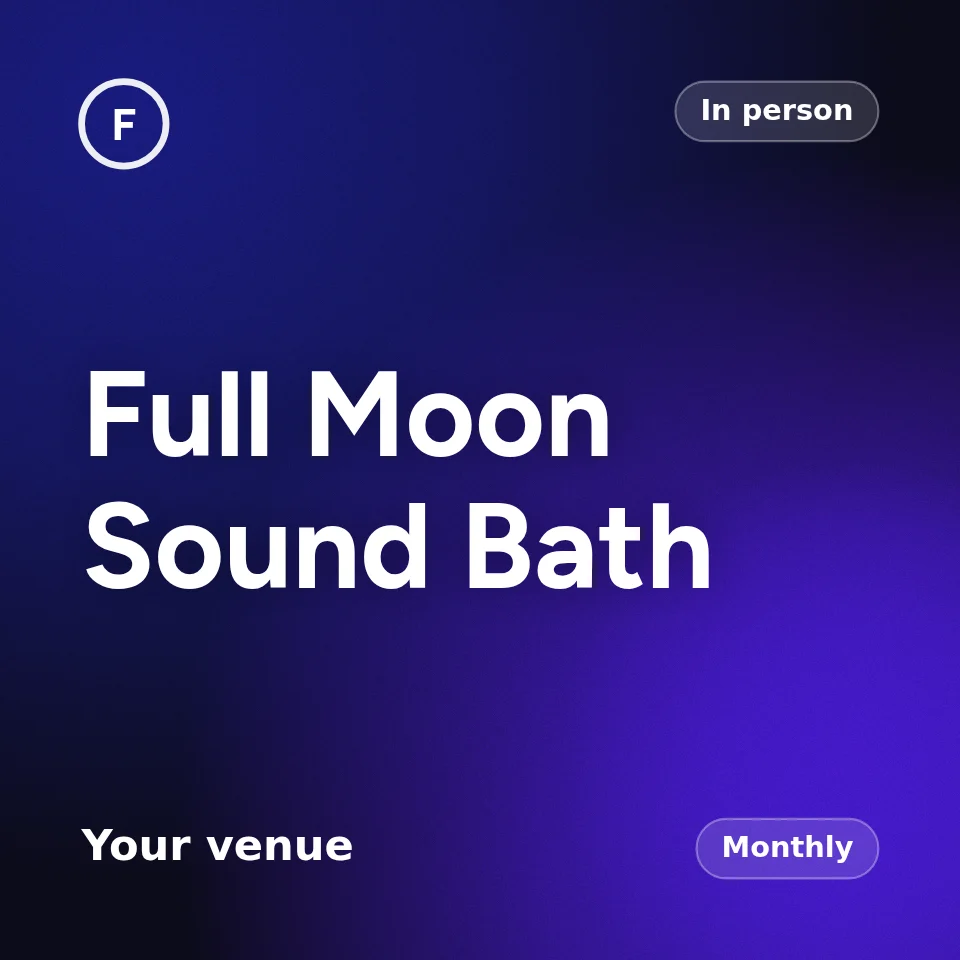
Automatic cover art
No photo? A cover is drawn for you from the title, in your colours.
Pick a display font
The face your title is set in, chosen per event or per series.
Rename the button
Book, Register, RSVP, Reserve a spot. Your word, not ours.
A map on the page
The venue pinned, so nobody has to paste the address anywhere.
Private events
Unlisted, or open only to a link you share.
Registration without tickets
An RSVP list for an event that does not need a ticket at all.
Import from Eventbrite
Paste a listing and the details come across into the builder.
Share cards that render
Paste the link into WhatsApp or Facebook and the cover actually shows.
Share an event
A link built to be shared, with the picture and the title already right.
A QR for any page
Print it on a flyer. It points at your event, series or profile.
Selling
Tiers, caps, codes and windows, and the small things at checkout that stop a sale going wrong.
Free events
Free tickets cost $0. Not to you, and not to the person booking.
Stripe checkout
Money goes to your own Stripe account, not ours.
Questions at checkout
Ask what you need with dropdown and free-text questions.
Discount codes
Limit them by number of uses, or by date.
Capacity limits
Per ticket type, per event, and a cap per email address.
Waitlist
Sold out? People join a list. When a place opens, the next in line is emailed, or everyone at once.
Sales windows
A tier that opens Friday and shuts Sunday, on its own.
A cap per person
One address cannot take twenty of a ticket meant for one.
A cap per order
Stop one person taking the whole front row in a single checkout.
Close a ticket type
Stop selling one tier without touching the others.
Told when it sells
An email the moment somebody books, if you want one.
Know the email landed
Delivery of each ticket email is recorded, so a bounce is not a mystery.
Add to calendar
The ticket carries a calendar file, so the date lands in their diary.
Every ticket in one place
Attendees see everything they have booked, on one page, signed in or not.
Money
It lands in your own Stripe account and stays yours. Refunds, transfers, GST and the export are all here.
Your money in Stripe
Payouts land in your own Stripe account. Balance, payouts and history in Stripe's own dashboard.
GST handled
Tax worked out and shown properly on the receipt.
Your own currency
AUD, NZD, USD. The account sets it, and every page follows.
Refunds
Full or partial, with your refund policy shown before they book.
Refund policy up front
Your terms, shown before they pay, not after they ask.
Attendees ask for a refund
A request lands with you, not in your inbox. Leave it unanswered and One Ticket support steps in.
Refund from the ticket
Where your policy allows it, buyers refund themselves from their ticket without waiting on you.
Refunds when it changes
Move the date, the start time or the place, and anyone booked can refund in full, booking fee included.
Cancelled means refunded
Cancel the event and every ticket is refunded in full, booking fee included, on its own.
Ticket transfers
Someone who cannot make it can pass their ticket on.
Hand over the payouts
Somebody else can run the event while the money still goes to you.
Export everything
Orders and attendees as CSV, whenever you want them.
Audit log
Who changed what, exportable, for the events you are responsible for.
Rooms that meet again
Set the rhythm once. The sessions make themselves, the season sells as a subscription, and the morning after every one of them you know who came back.
Recurring events
One landing page with every session on it, however often it runs.
Subscriptions
Turn a weekly event into a membership people pay for once.
Subscription plans
Weekly, fortnightly or monthly, at a price you set per option.
Who it covers
Just me, me and a partner, the whole family. You decide the seats.
Where they attend
Subscribers pick a venue or an online option, and it sticks.
Tickets minted ahead
Every subscriber gets a QR for the next session, automatically.
Switch a week online
One session moves online without disturbing the rest of the series.
Subscribers manage themselves
Change plan, update a card, cancel. Without emailing you.
Series editors
Someone else can run the series without touching your account.
Series logo
The series gets its own mark, separate from your organiser one.
A Zoom host per series
Point a series at one host account and every session uses it.
Share a series
A link and a QR for the whole series, not just one session.
The morning after
The numbers for the event, in your inbox, the next morning.
The night itself
The door, the room and the people in it. One scan, a green tick, and a way to reach everyone before and after.
Box office
Cash at the door, comps and bank transfers, entered by you.
QR check-in
Scan tickets at the door from a phone. No app to install.
Find by name
No phone, flat battery, wrong email. Search the guest list instead.
Door tools
A page built for the entrance: scan, search, mark arrivals, count heads.
Reminders
The day before, everyone gets their ticket and QR again.
Message attendees
Email everyone booked when the room or the time changes.
Tell them it changed
Moved the room, the time or the name? Everyone booked hears about it.
Online events
Connect Zoom and every session gets its own meeting, made for you.
Recording links
Send the replay to everyone who booked, when you are ready.
Attendees pick their look
Light, dark, or the organiser's colours. Their ticket, their eyes.
Trust and safety
A tick that has to be earned, ratings from people who were there, and the checks that keep fake events off sale and scam emails out of inboxes.
Verified tick
Earned from past events, tickets sold and guest ratings, and checked every night. It cannot be bought.
Guest ratings
The morning after, guests are asked how it was. From five ratings, the average shows under your name, good or bad, with what guests mention most.
A note only you read
Guests can leave you a private note that never says who wrote it. Every one is in the event report.
Did it go ahead?
Guests can say an event did not happen. Three reports take the tick, hold its money and go to One Ticket support.
Paid out after the event
Until a first paid event goes cleanly, a new organiser is paid out two days after each event. Buyers are told.
Every page is read
An event page is read before it can email anyone. One posing as a bank or a brand comes off sale.
A real place on the map
An in-person event goes live only at a real address that is on the map.
No links slipped in
Our emails never carry an organiser's own links or phone numbers in a title, venue or ticket name.
Known meeting links
A new organiser's join and recording links must be Zoom, Google Meet, Teams, YouTube or similar.
Didn't book this?
Every confirmation ends with it. One press cancels a free booking and stops that organiser emailing again.
Report this event
On every event page. Three people in a week take a new organiser's event off sale until we have looked.
A cap on new senders
New organisers send at most 500 free confirmations a day, and three to any one inbox. Bookings still stand.
Your organisation
A page of your own, the people who help you run it, and the way in and out of the account.
Your own page
Every upcoming event of yours on one address you can hand out.
Profile banner
A banner and a logo across the top of your organiser page.
Links on your profile
Send people to your own site, socials or mailing list.
Hide one from your profile
A private workshop stays off the public list without being unlisted.
Share the work
Give someone else access to run an event without your password.
Passwordless sign-in
A link in an email. No password to forget or to leak.
Leave whenever
Delete the account, or hand it to whoever runs it next.
Start with your next event
Describe it in a sentence and the builder fills itself in. Free to start, and no platform fee on the ticket price.