Duplicate an event
Copy an event, with its tickets and settings, as a new draft.
Running the same event again? Duplicate it and change the date.
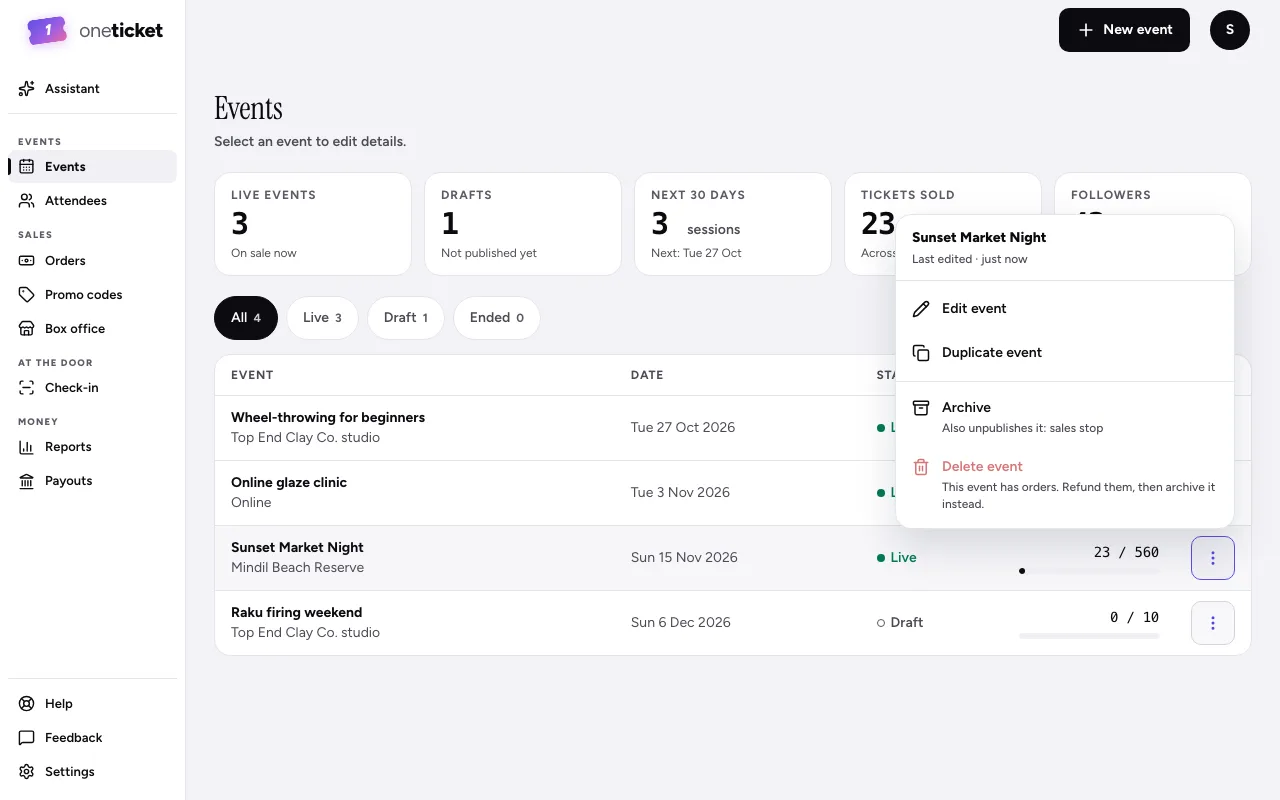
- Go to Events.
- Open the event's menu (⋮) and choose Duplicate event. You can also choose it from the ⋮ menu on the event's own page.
- The copy opens as a draft called "Title (copy)", with the same tickets, look and settings, and the message "Copied as a draft. Pick the date, then publish."
- Choose the date, rename it if you like, and choose Publish.
Orders, attendees and the waitlist aren't copied: the new event starts with none.
Still stuck? Contact support and a person will get back to you.