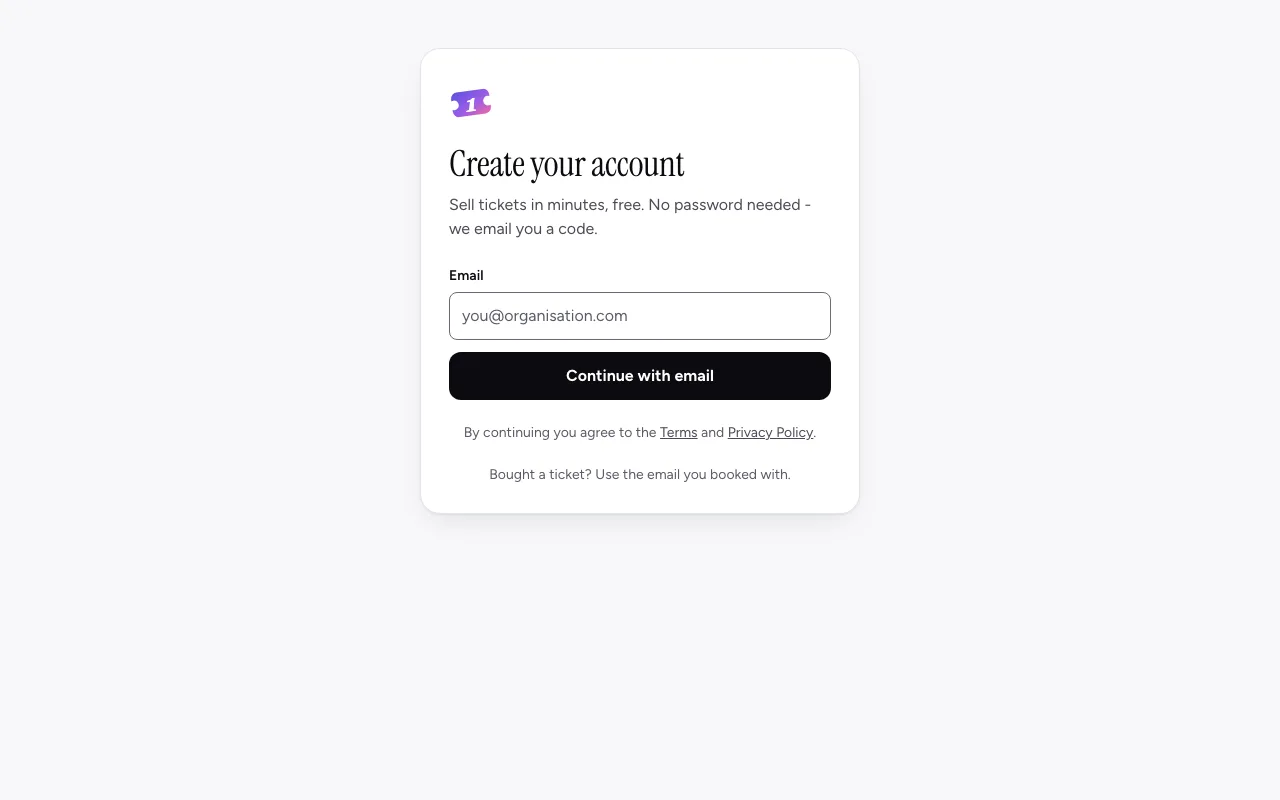
Create your account
Sign up with your email, then choose to sell tickets or see your tickets. No password needed.
One Ticket is free to start, and you don't need a password: we email you a six-digit code each time you sign in.
Sign up
- Go to oneticket.com.au/auth/sign-up, or choose Organise your event with One Ticket at the foot of any page.
- Under Create your account, type your email address and choose Continue with email.
- Check your inbox for an email from One Ticket. Type the 6-digit code from it. If it hasn't arrived after a minute, check your spam folder or choose Send a new code.
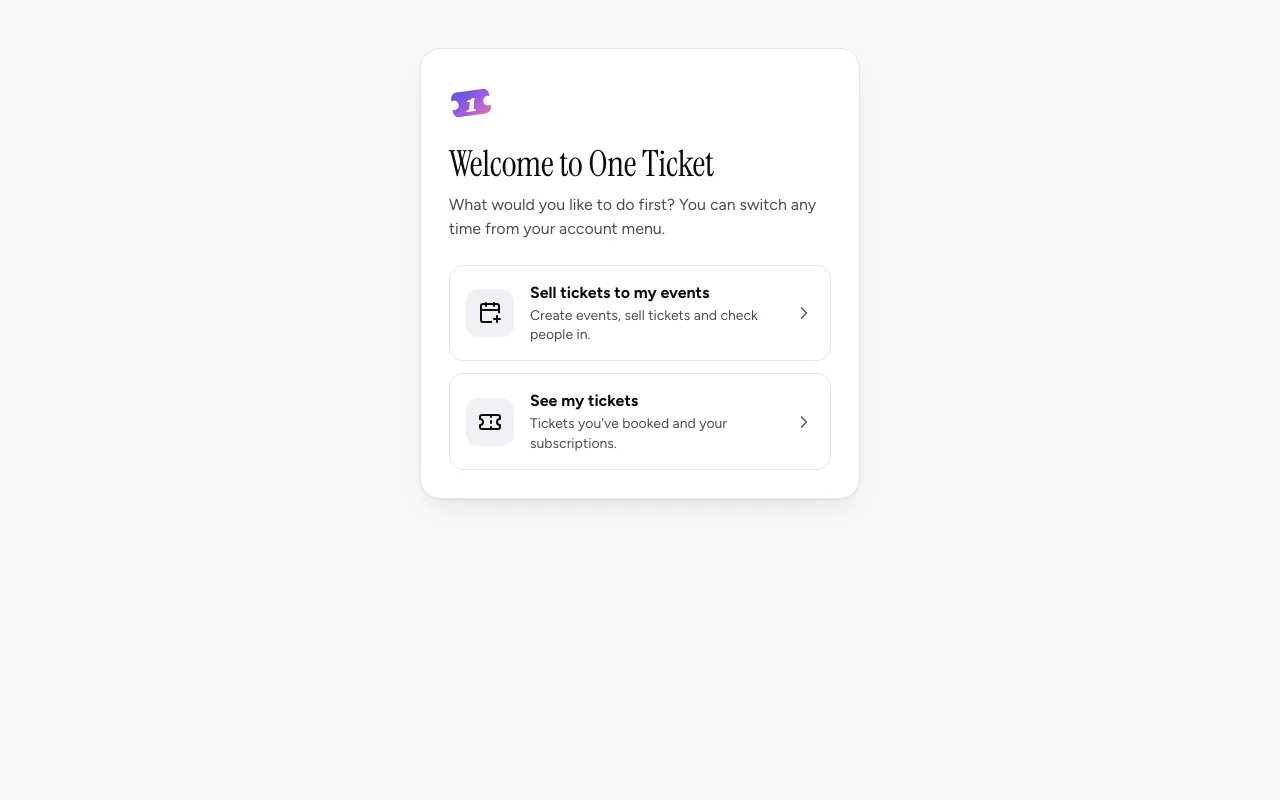
- You're signed in. The first time, One Ticket asks what you'd like to do first.
Sell tickets, or see your tickets
Welcome to One Ticket asks once, the first time you sign in:
- Sell tickets to my events: create events, sell tickets and check people in.
- See my tickets: tickets you've booked and your subscriptions. My tickets opens.
Came from Organise your event with One Ticket, or Start on Free on the pricing page? You skip the question and go straight to Where do you sell?
Set up your organiser
Your events, orders and payouts belong to an organiser: the name buyers see on your event pages, such as your club, venue or business.
- Choose Sell tickets to my events.
- Under Where do you sell?, choose Australia (AUD), United States (USD) or United Kingdom (GBP). Your tickets are priced in this currency.
- Choose Start selling. Your organiser is made, with your name, and the welcome page opens with your first three steps: create an event, connect Stripe, and see your public page. More about the welcome page.
Change your organiser's name any time under Settings, Organization.
Signing in next time
Go to Log in / Sign up at the top of any page, type your email and enter the code we send. If you set a password (under Settings, Security), you can sign in with it instead.
Still stuck? Contact support and a person will get back to you.