Your first steps
The welcome page, and the three things to do before your first sale.
When your organiser is made, One Ticket opens a welcome page with the three steps that get your first tickets out.
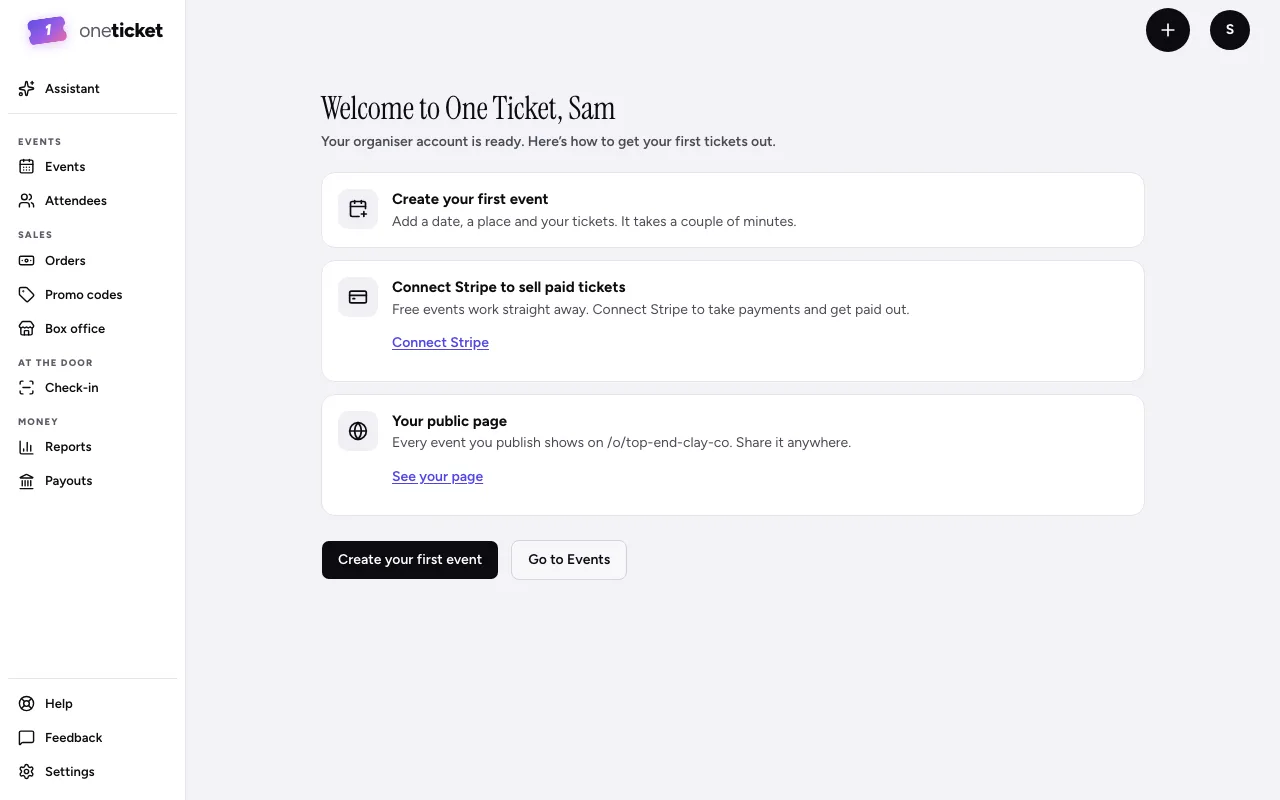
- Create your first event. Add a date, a place and your tickets. It takes a couple of minutes. See Create an event.
- Connect Stripe to sell paid tickets. Free events work straight away. To take payments and be paid out, connect a Stripe account. See Connect Stripe to get paid.
- Your public page. Every public event you publish shows on your organiser page, at an address you can share anywhere. See Your organiser page.
Choose Create your first event to start, or Go to Events to look around first.
Still stuck? Contact support and a person will get back to you.