Send feedback
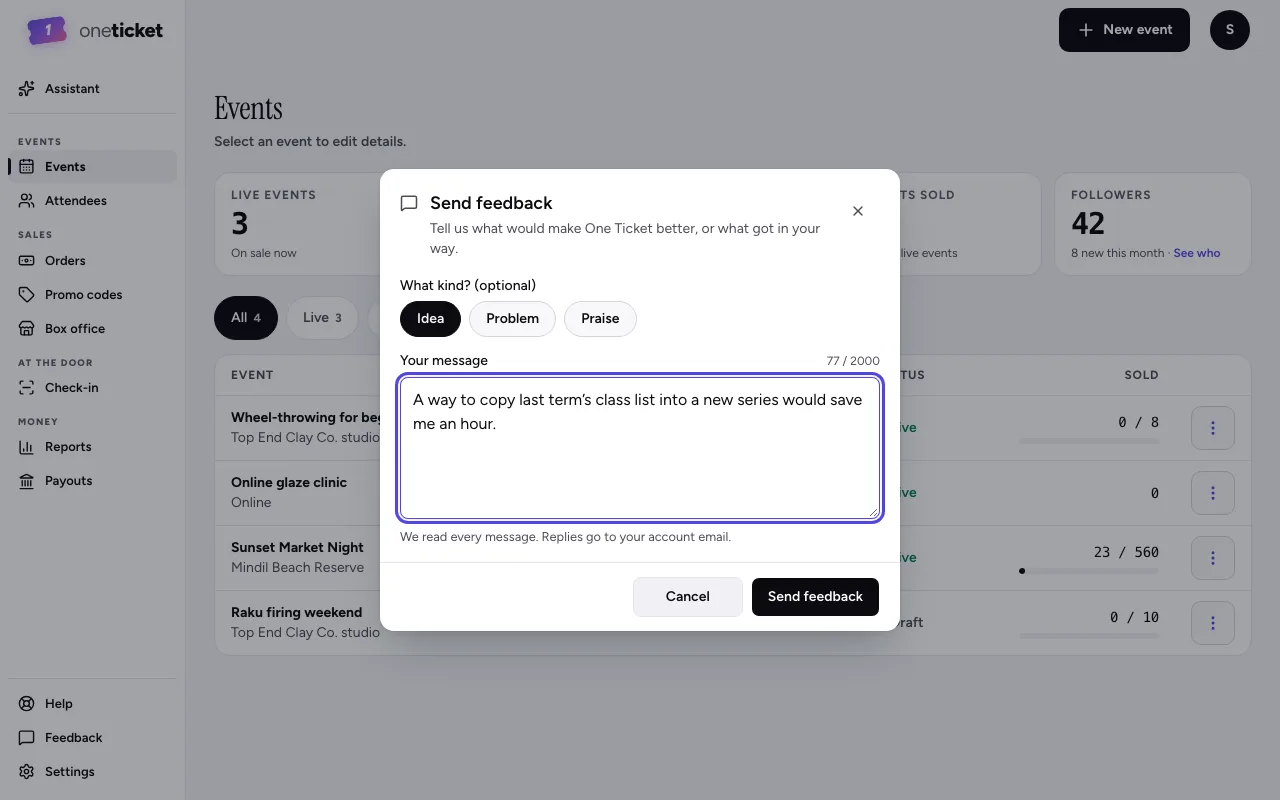
Tell us what would make One Ticket better, or what got in your way.
We read every message.
- Choose Feedback at the foot of the menu on the left (on a phone, More, then Feedback).
- Optionally choose what kind: Idea, Problem or Praise.
- Type your message.
- Choose Send feedback. You'll see "Thanks — we got it".
Replies go to your account email. The page you were on is sent with it, which helps us find a problem.
For something urgent, such as a buyer who can't get their tickets, contact support.
Still stuck? Contact support and a person will get back to you.