Share your event
Copy the link, post it to social media, and send people straight to checkout.
Once your event is published, share its link anywhere.
Copy the link
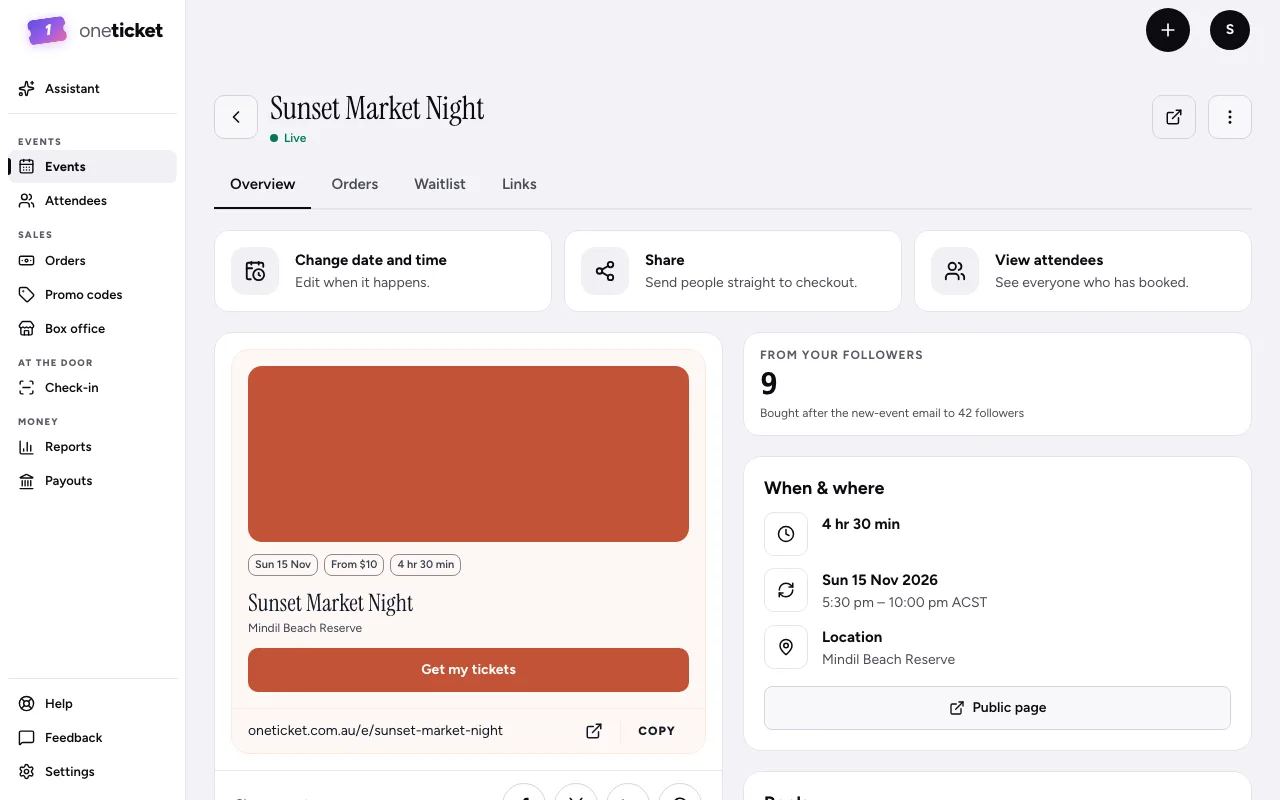
- On Events, choose the event to open its page in the app.
- Choose Share ("Send people straight to checkout") to copy the link. You'll see "Link copied".
The preview of your public page shows the link too: choose Copy beside it.
Post it
Under the preview, Share event has buttons for Facebook, X, LinkedIn and WhatsApp. Each opens in a new tab with the link ready to post. When the link is shared, it shows the event's title and cover.
Share all your events at once
Your organiser page lists every public event you have. Share its link in your bio or newsletter, and new events appear there automatically.
Track which posts sell
Give each post, promoter or rep its own link and see which brings the most sales. See Tracked links (Pro and Team).
Still stuck? Contact support and a person will get back to you.