Attendees
Who's coming to an event, who's through the door, and their details.
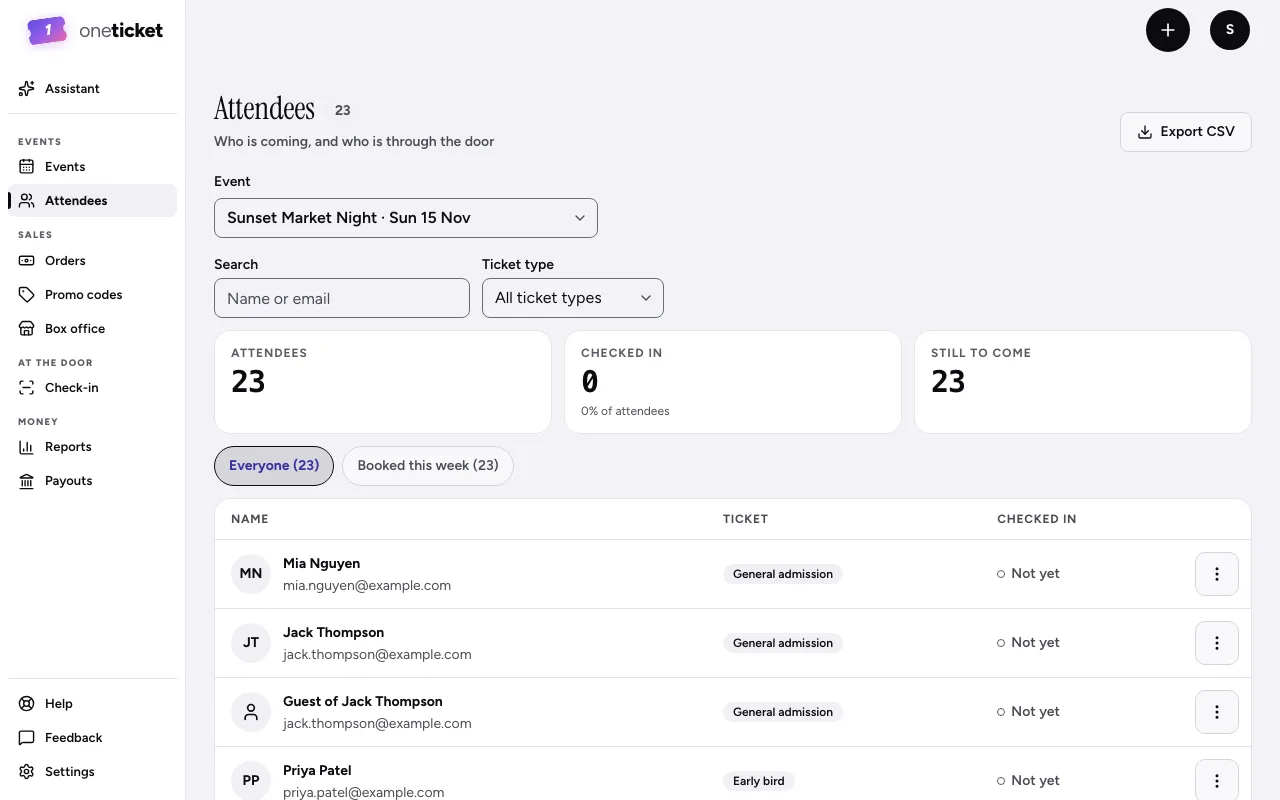
Attendees lists everyone with a ticket for an event, one row per person, guests included.
See an event's attendees
- Choose Attendees in the menu on the left.
- Choose the Event.
- Narrow it with Search (name or email) or a Ticket type.
- Use the tabs: Everyone, Booked this week, Not in yet and, after the event, Never came.
The figures at the top show how many are coming, how many have Checked in and how many are Still to come. For an online event, Joined shows who joined.
A person's menu
Open the menu (⋮) beside someone:
- View details: their ticket, when they booked, whether they've checked in, and their answers.
- Resend tickets: emails every ticket on their order.
- View order.
- Block: see Block a buyer.
A guest on someone else's order shows as "Guest of" the buyer when they didn't give their own name.
Export CSV downloads the list. See Export to a spreadsheet.
Still stuck? Contact support and a person will get back to you.