Finding your way around
The menu on the left, the tab bar on a phone, and where everything lives.
On a computer
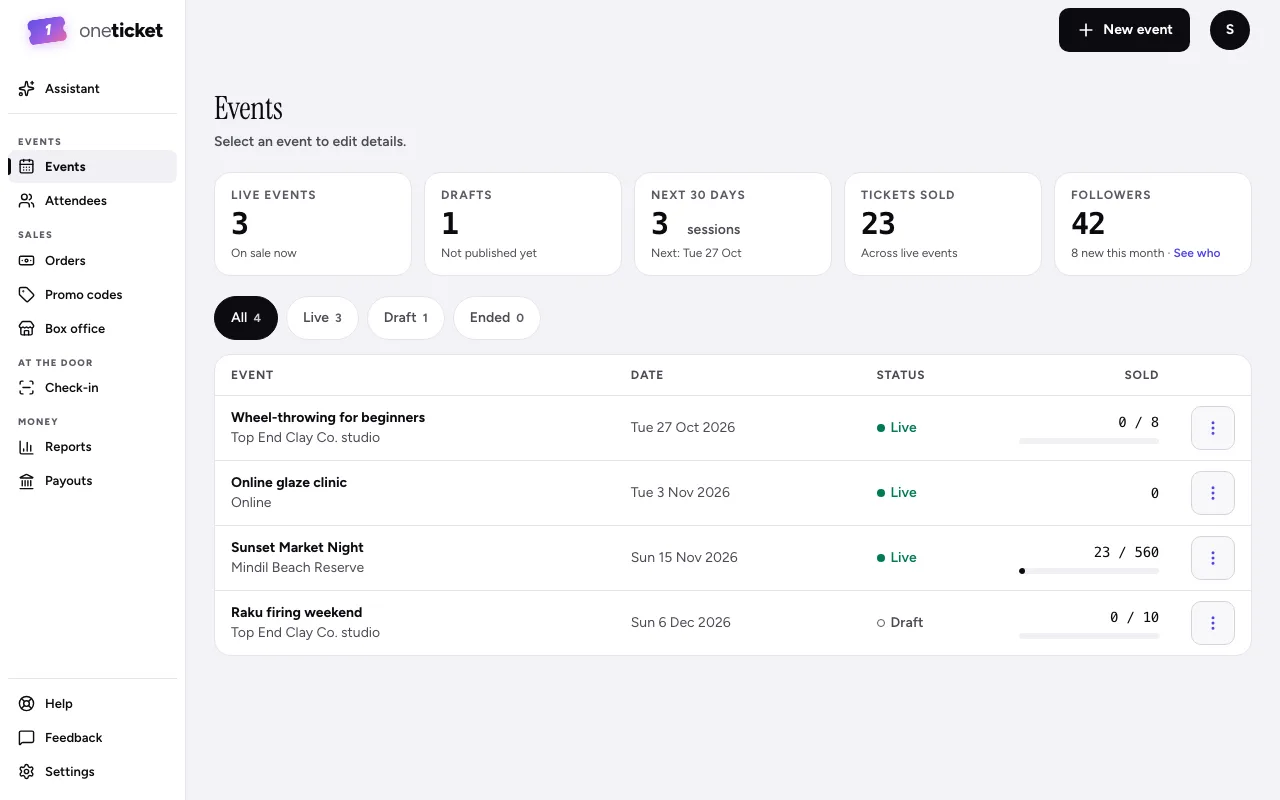
The menu down the left side of the app groups everything you do:
- Assistant: ask about your events, or draft one from a sentence.
- Events: Events and Attendees.
- Sales: Orders, Promo codes and Box office.
- At the door: Check-in.
- Money: Reports and Payouts.
- At the foot: Help (these guides), Feedback and Settings.
New event is at the top right, beside your account menu.
On a phone
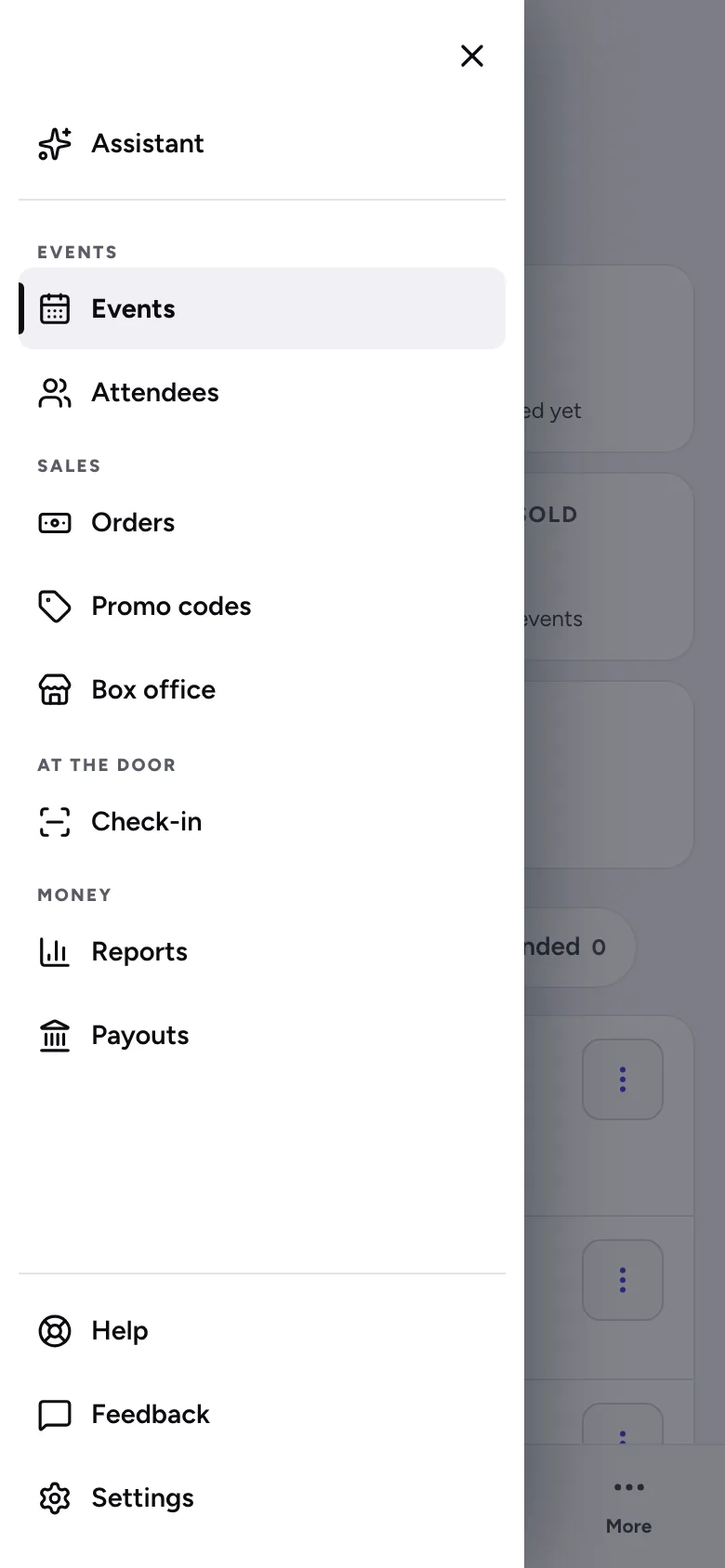
The tab bar along the bottom has Events, Orders and Check-in. Tap More, or the menu button at the top left, for everything else, including Help, Feedback and Settings. New event is at the top.
Your account menu
The round button at the top right shows who you're signed in as and which organiser you're working in. From it you can Switch organiser, open Settings or Sign out.
Still stuck? Contact support and a person will get back to you.